01
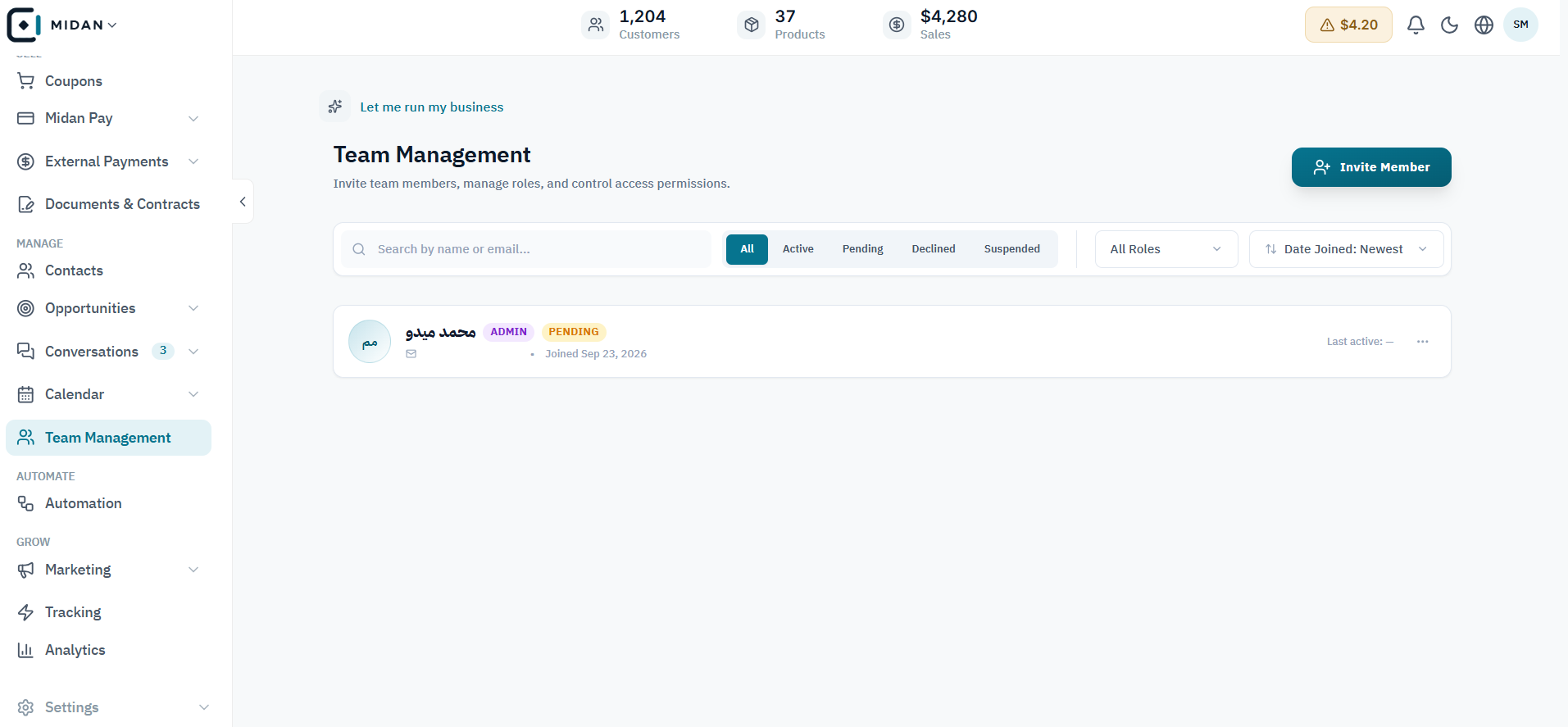
Review pending invitations from the roster
Find pending invitations and review each teammate’s role and status from one place.
 YOUR BUSINESS ARENA
Manage roles, module permissions, and access periods so every teammate has the right level of access.
Try Midan free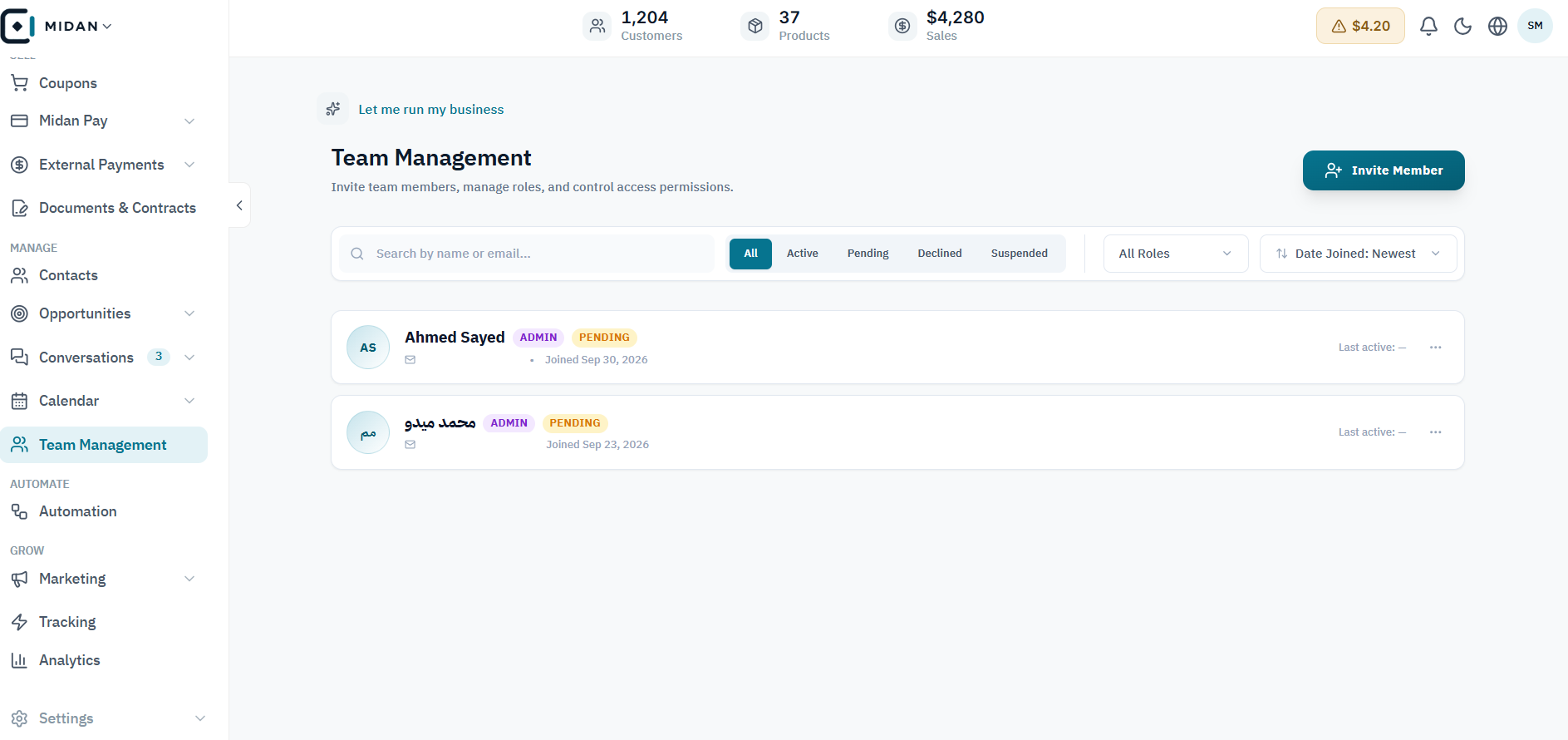
Set roles and permissions around the work.
Keep tasks, approvals, and handoffs visible.
Give agencies a shared view across client workspaces.
Explore the team roster and each step of inviting or updating a teammate, from contact details to module permissions and access periods.
Find pending invitations and review each teammate’s role and status from one place.
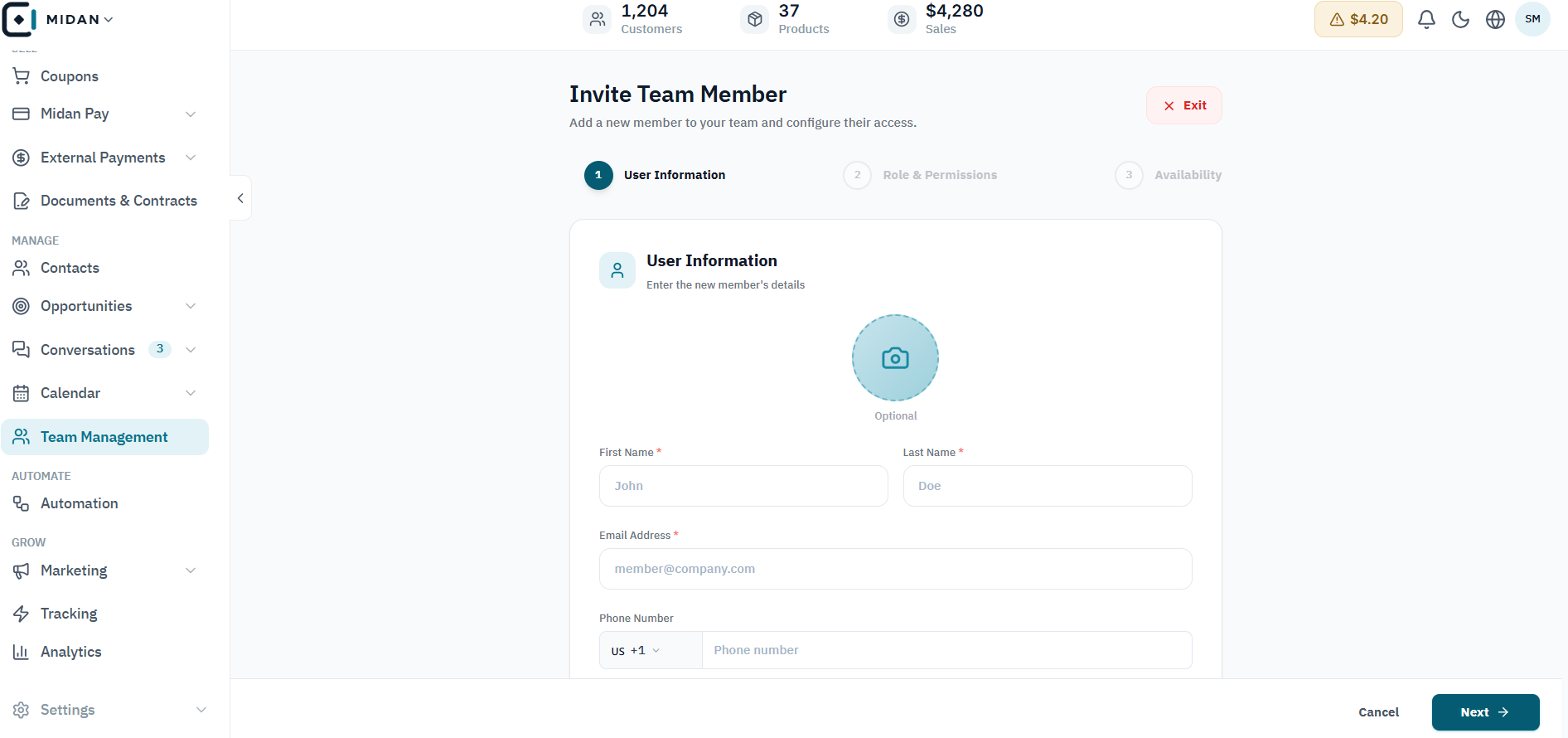
Enter basic member details first, then continue to role and access settings.
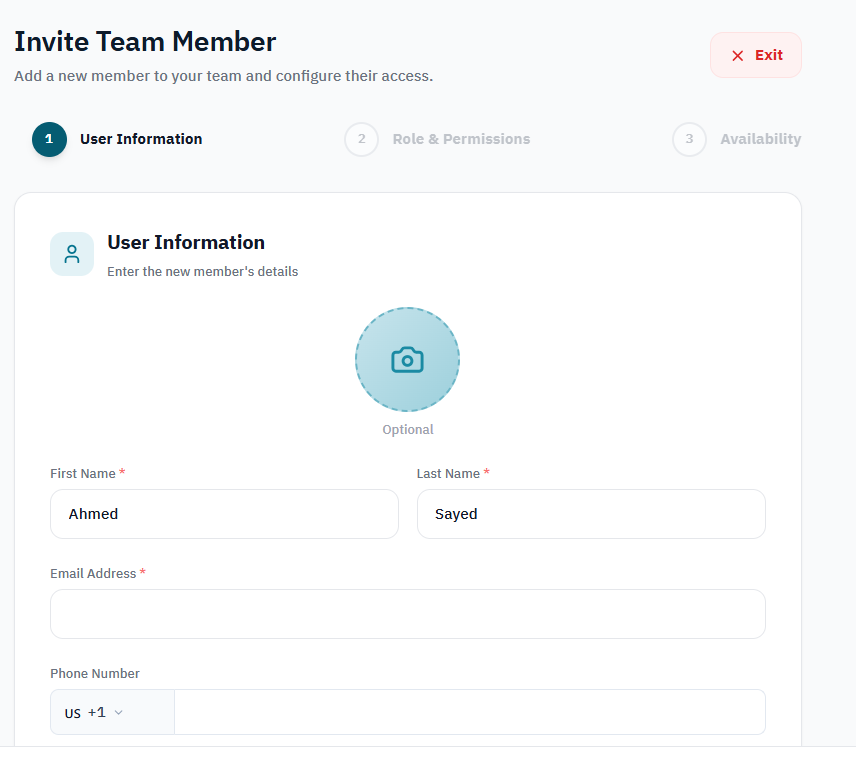
Review the member’s name, email, and phone before submitting the invitation.
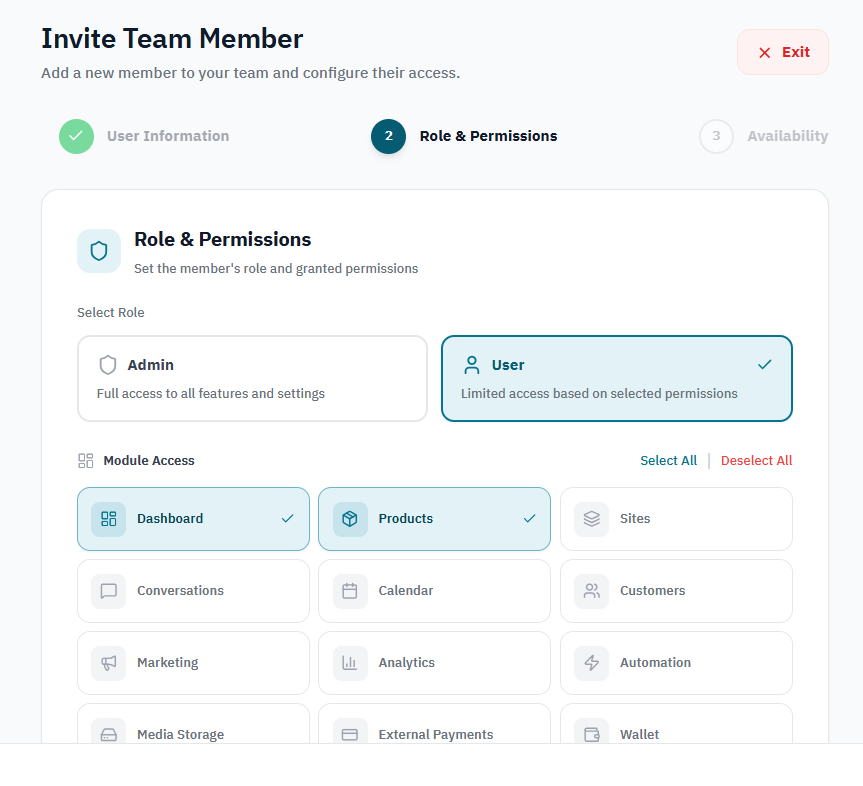
Select an Admin or User role and grant access to only the workspace modules the teammate needs.
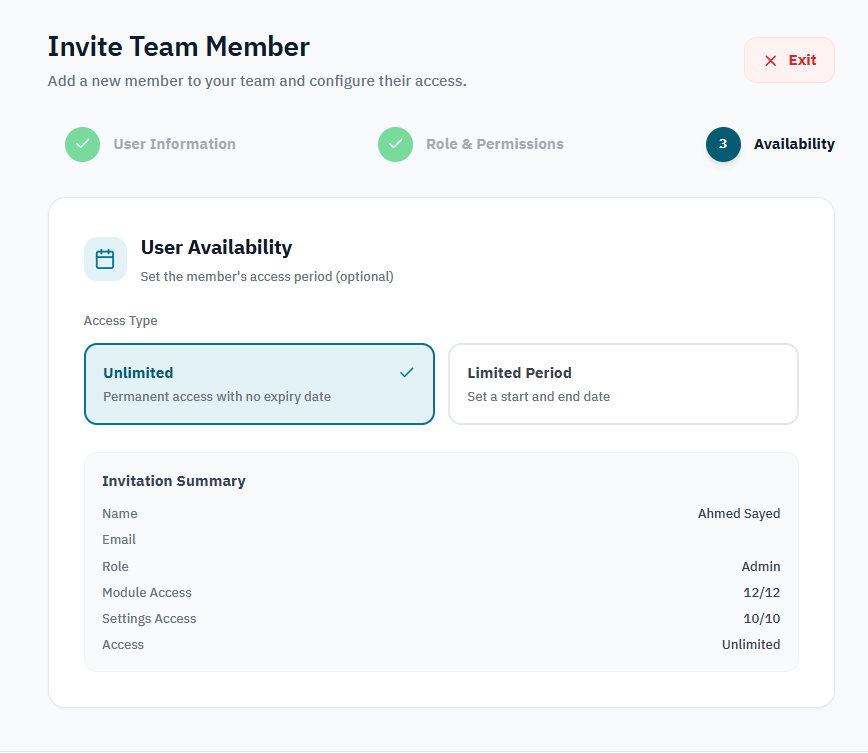
Choose unlimited or limited access, then review the invitation summary before finishing.
Review multiple teammates, their roles, invitation statuses, and join activity from one list.
Tell us how your business works today. We’ll show you where Midan fits.