01
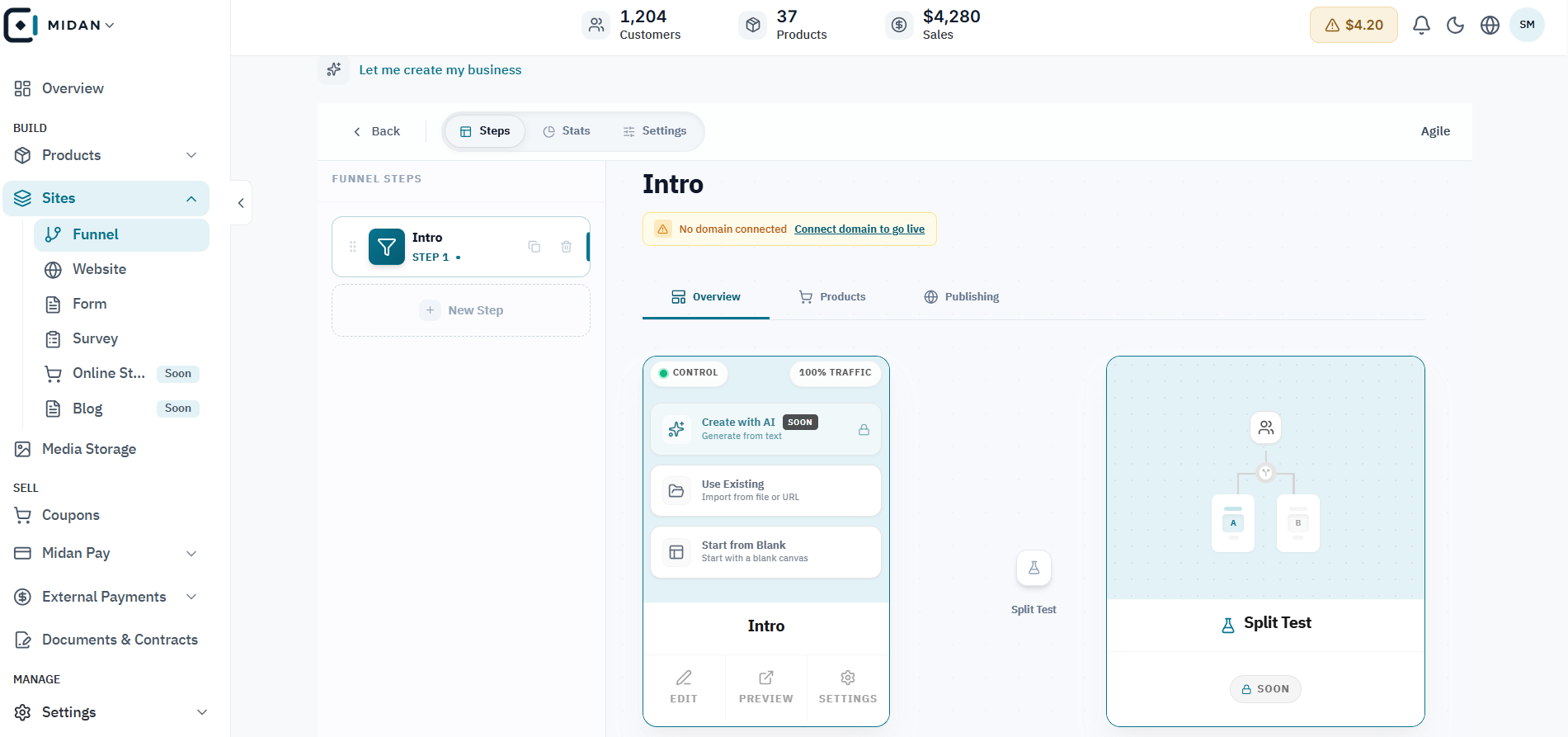
See the funnel path and its test branch
Review the main funnel path and split-test branch together, then inspect each step in context.
 YOUR BUSINESS ARENA
Create multi-step funnels and standalone websites with a visual editor, forms, surveys, bookings, checkout blocks, SEO controls, and custom domains.
Try Midan free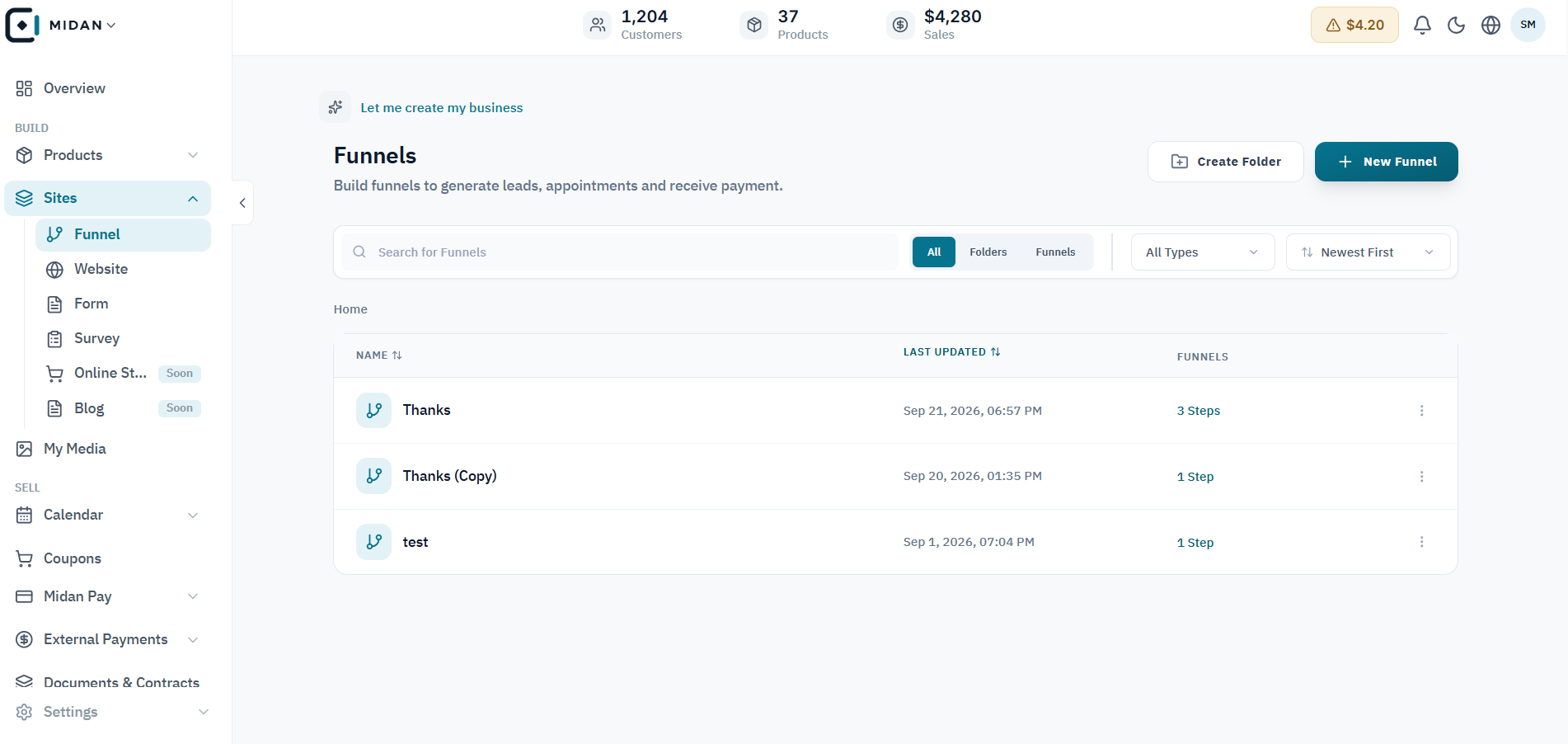
Start a funnel from blank, use a template, or build the journey step by step with a clear visual flow.
Build pages with sections, rows, columns, headings, forms, surveys, buttons, calendars, images, and video.
Create websites with multiple pages and navigation, then connect a custom domain when the experience is ready.
Collect form and survey submissions in one place so every response can become the next action.
Browse the full Sites workspace: organise funnels and websites, set up new journeys, build pages, and review form and survey responses.
Review the main funnel path and split-test branch together, then inspect each step in context.
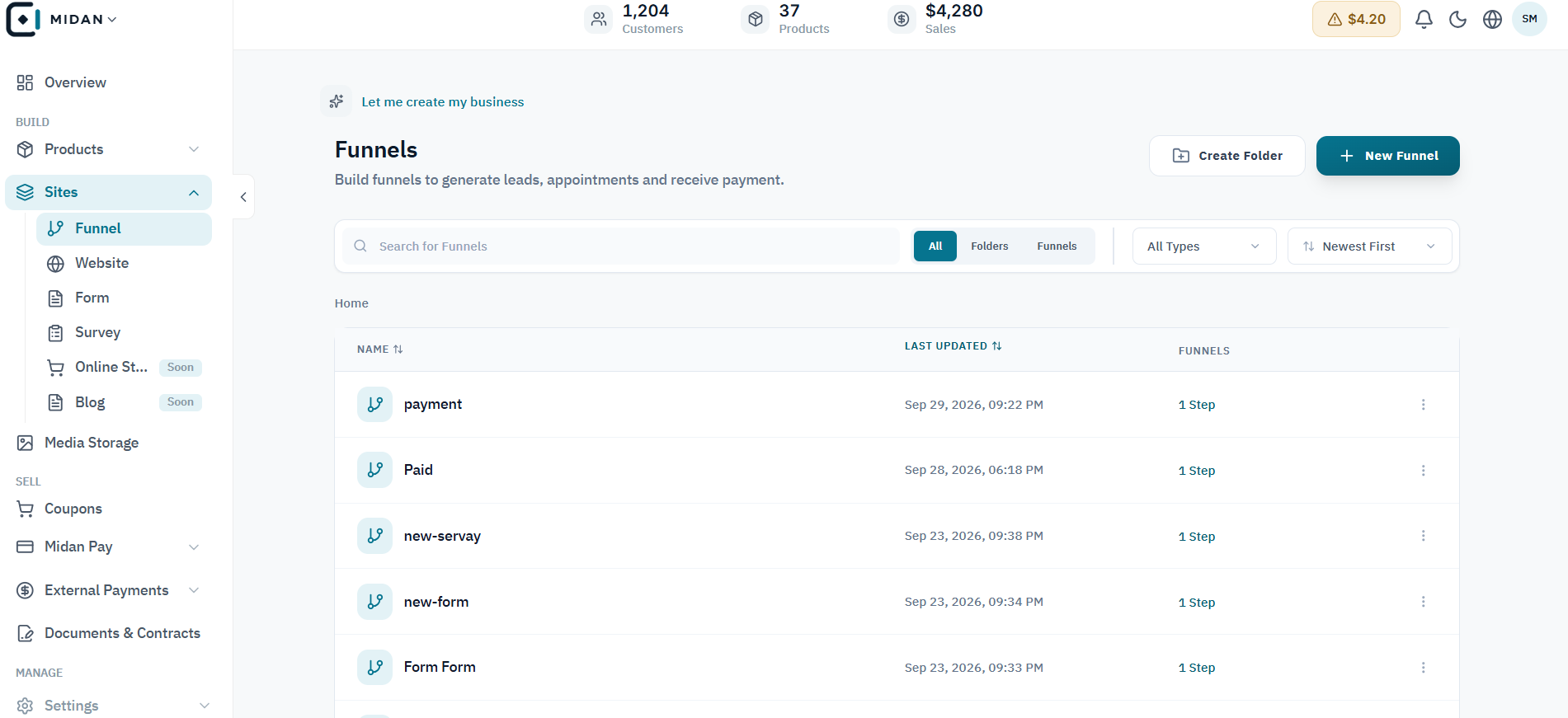
Search and filter current funnels, then scan their steps and status from one workspace.
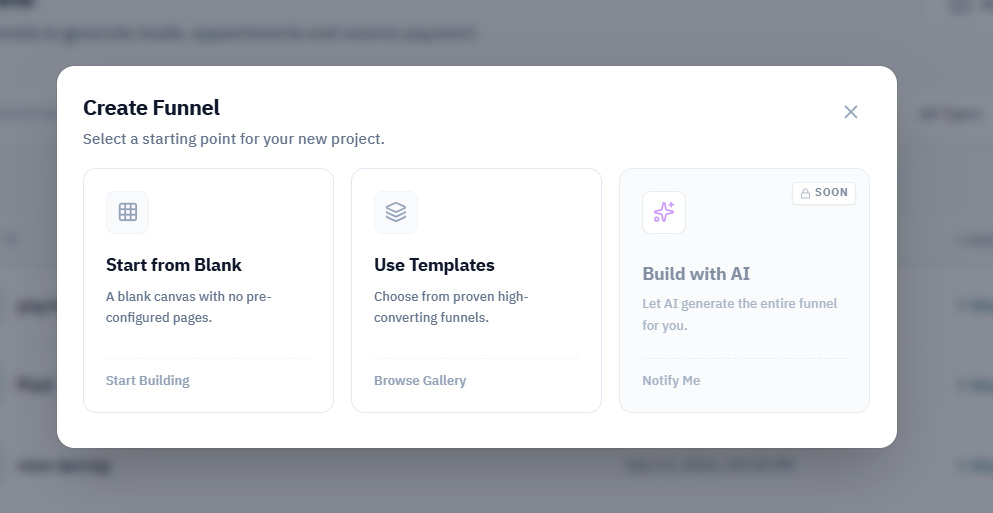
Choose a blank start, a template, or the AI option shown in the creation dialog.
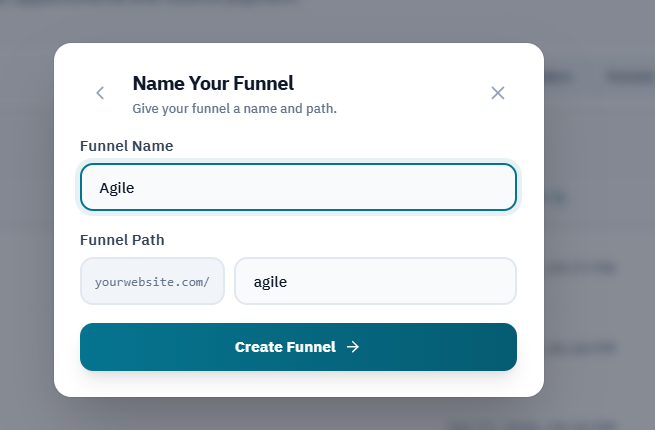
Set a funnel name and URL path before creating it.
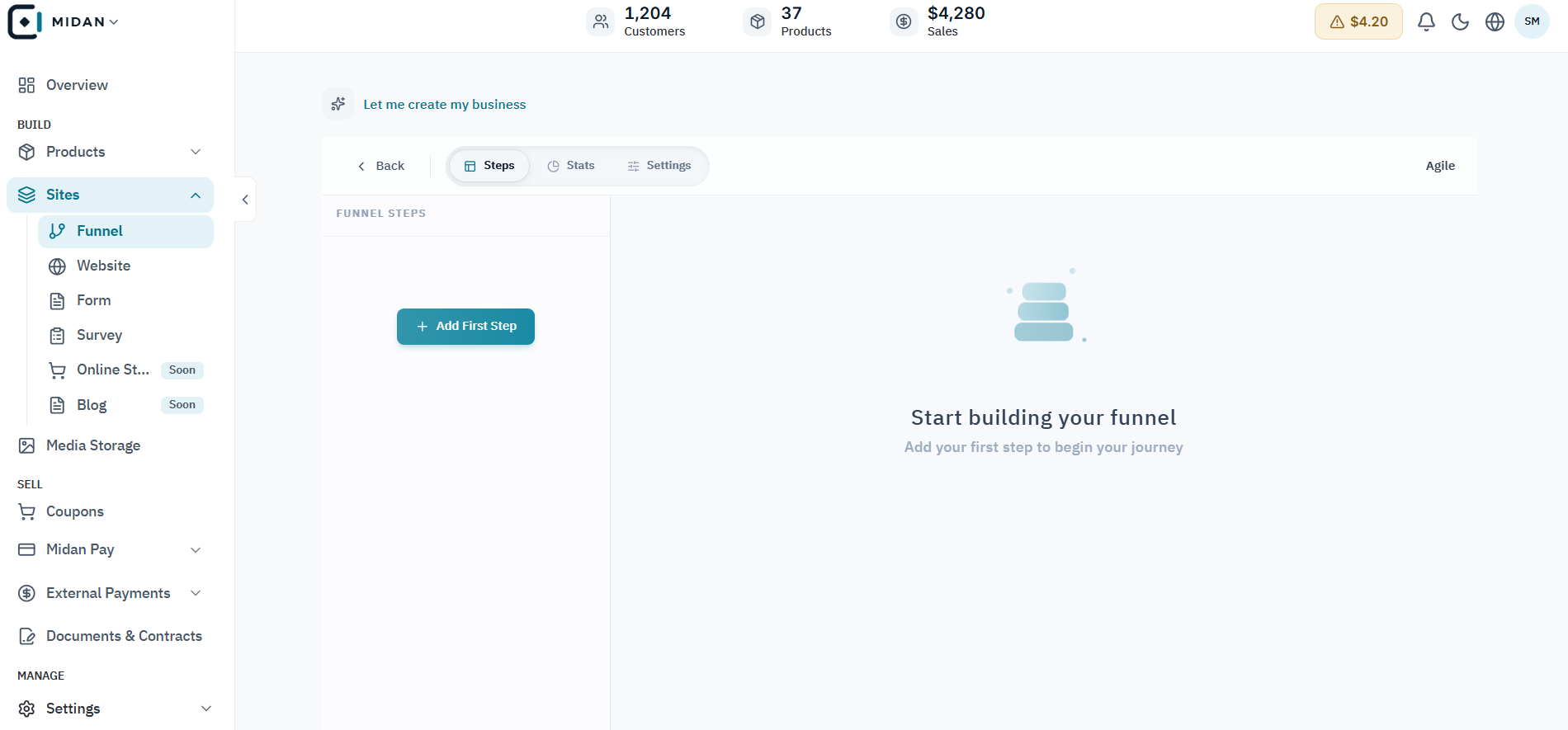
Add the first step in a new workspace to begin shaping the visitor journey.
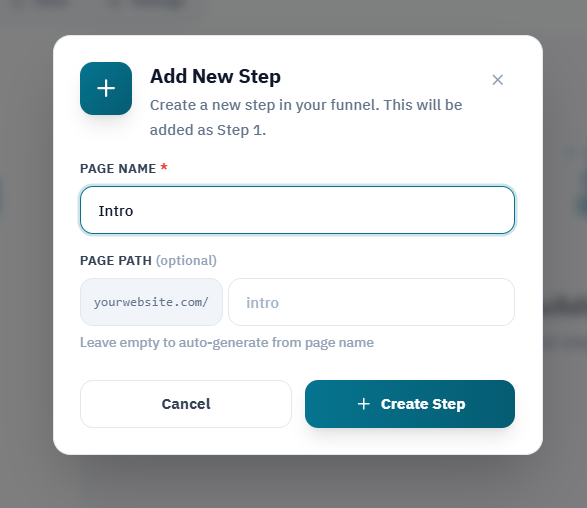
Enter the new page name and optional URL path before saving the step.
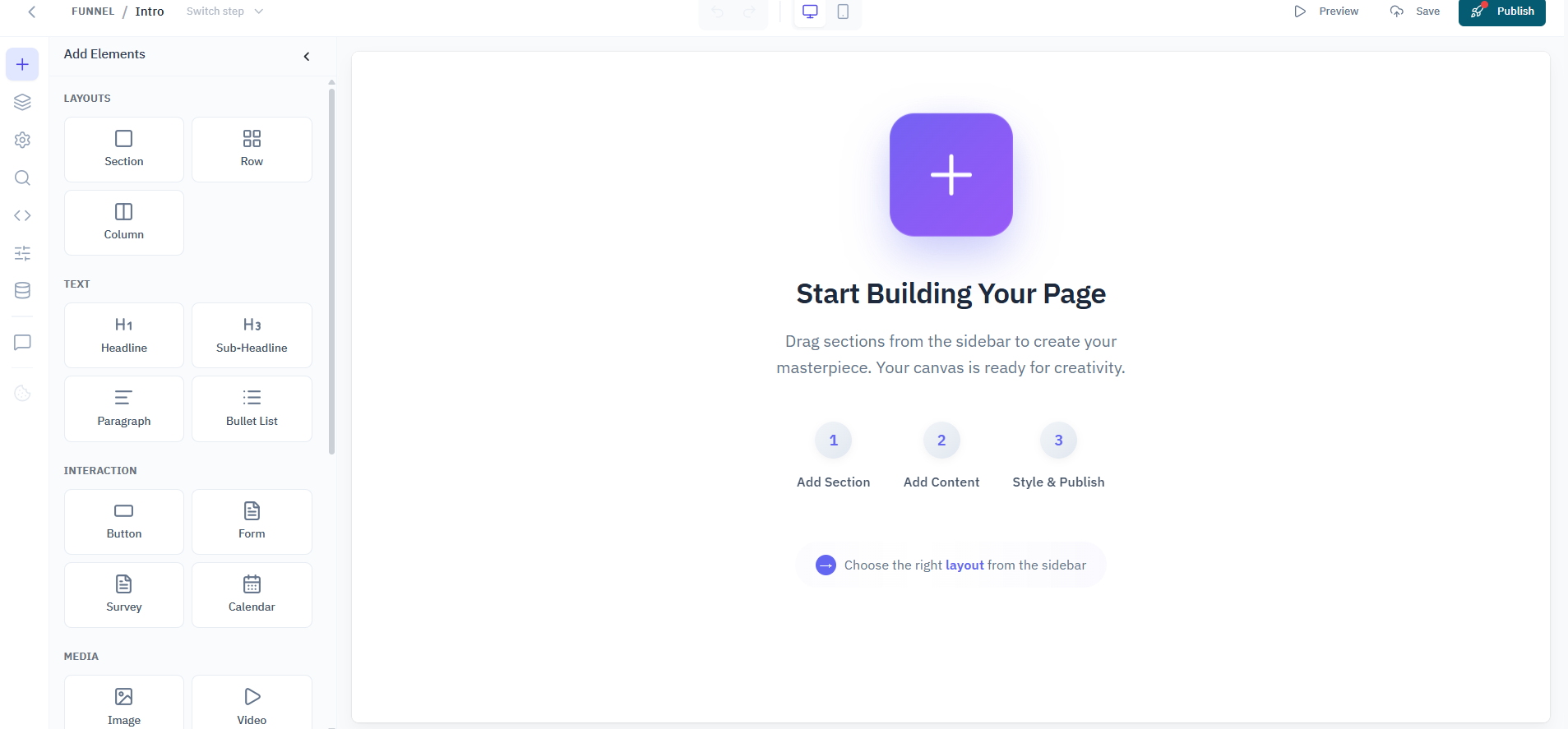
Explore the blank page canvas and available content blocks before arranging the page.
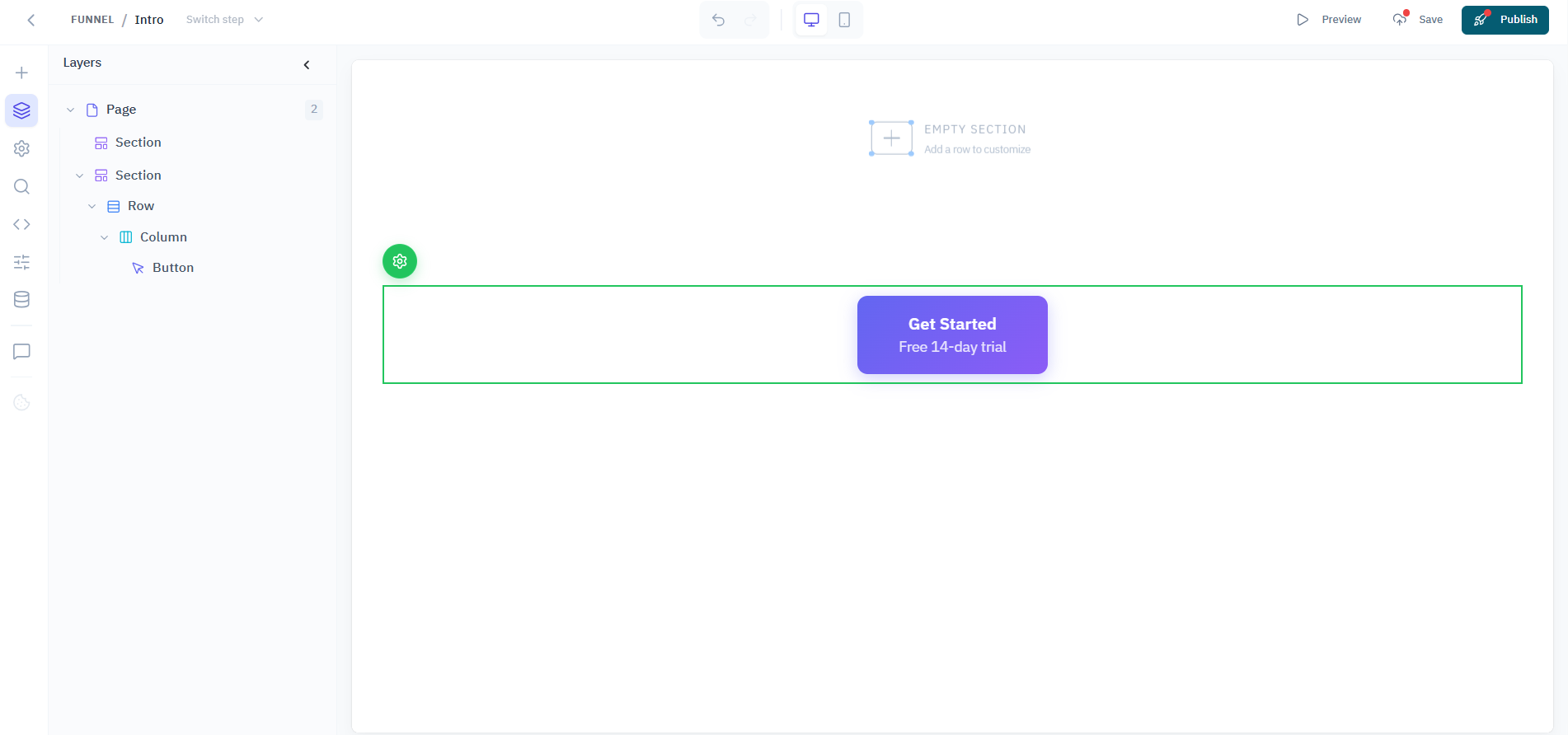
Select a page element and review its design settings in the side panel.
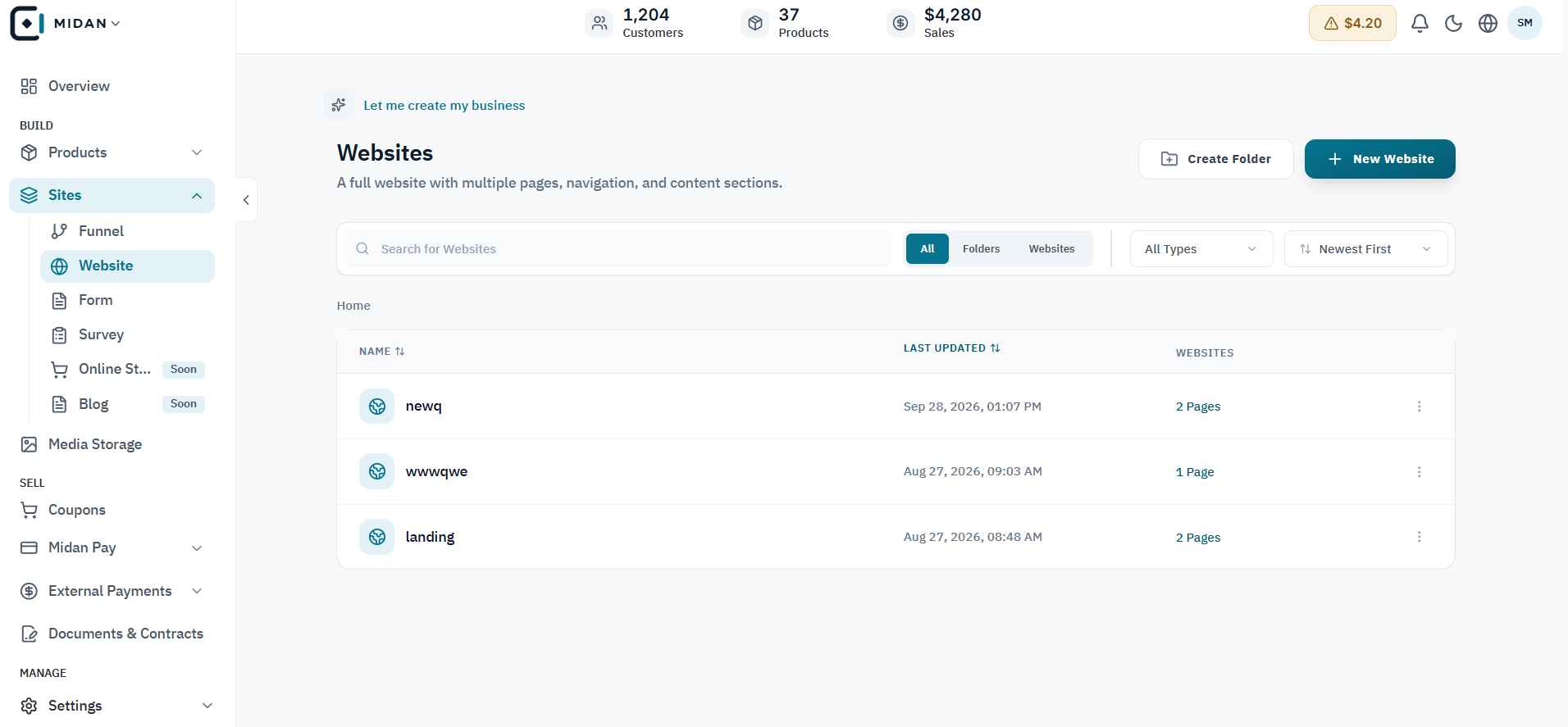
Scan the websites workspace, page counts, folders, and publishing controls from one list.
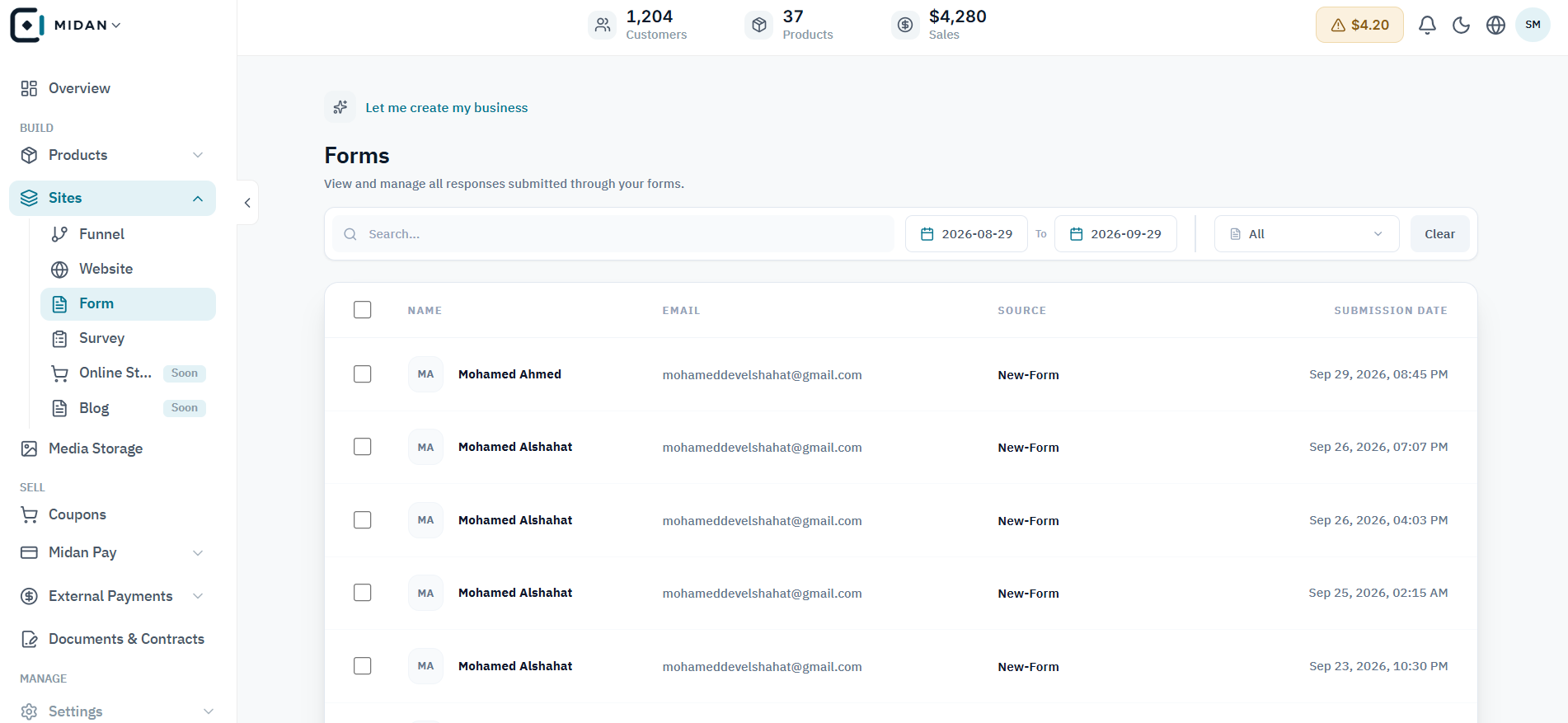
Scan form entries alongside respondent details, source, and submission date.
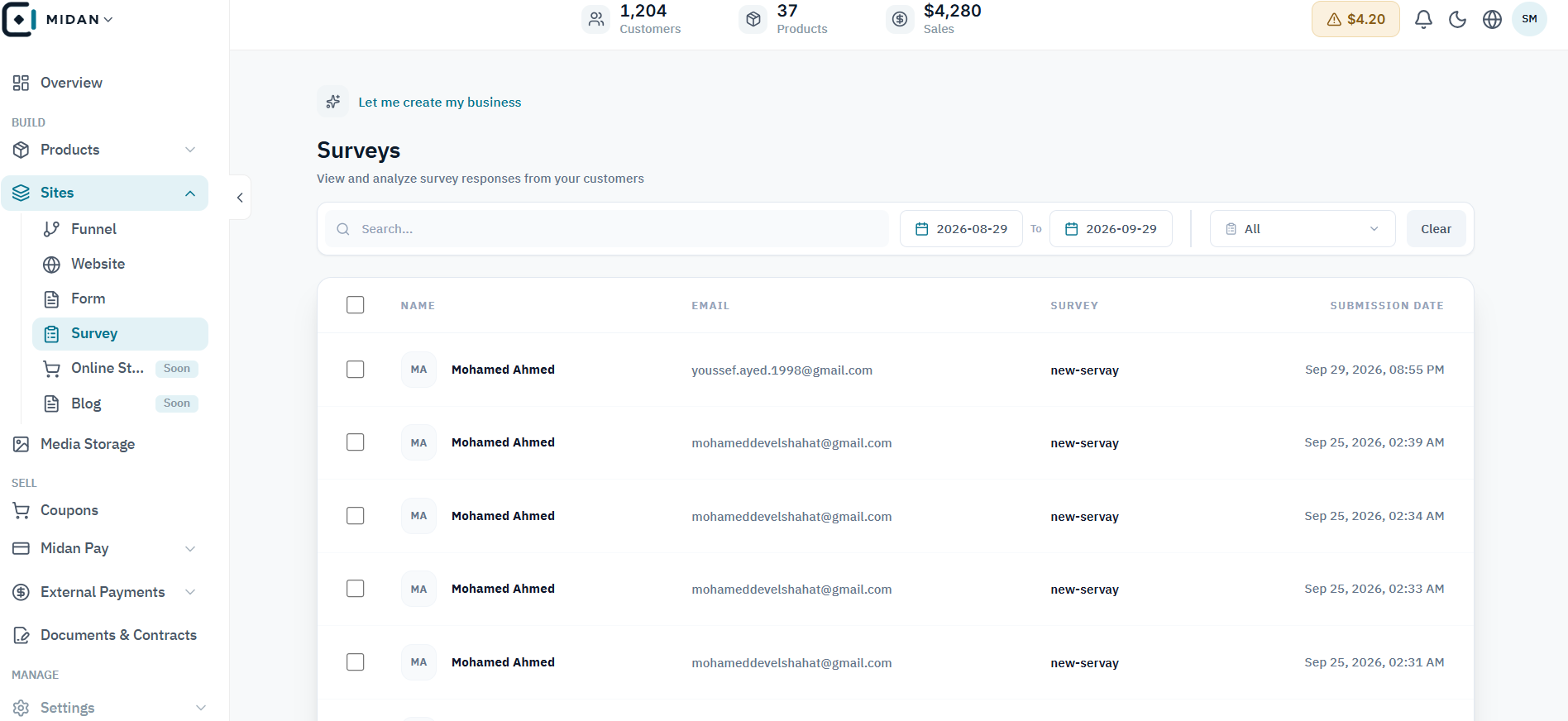
Scan survey entries and respondent details from the responses workspace.
Tell us how your business works today. We’ll show you where Midan fits.