01
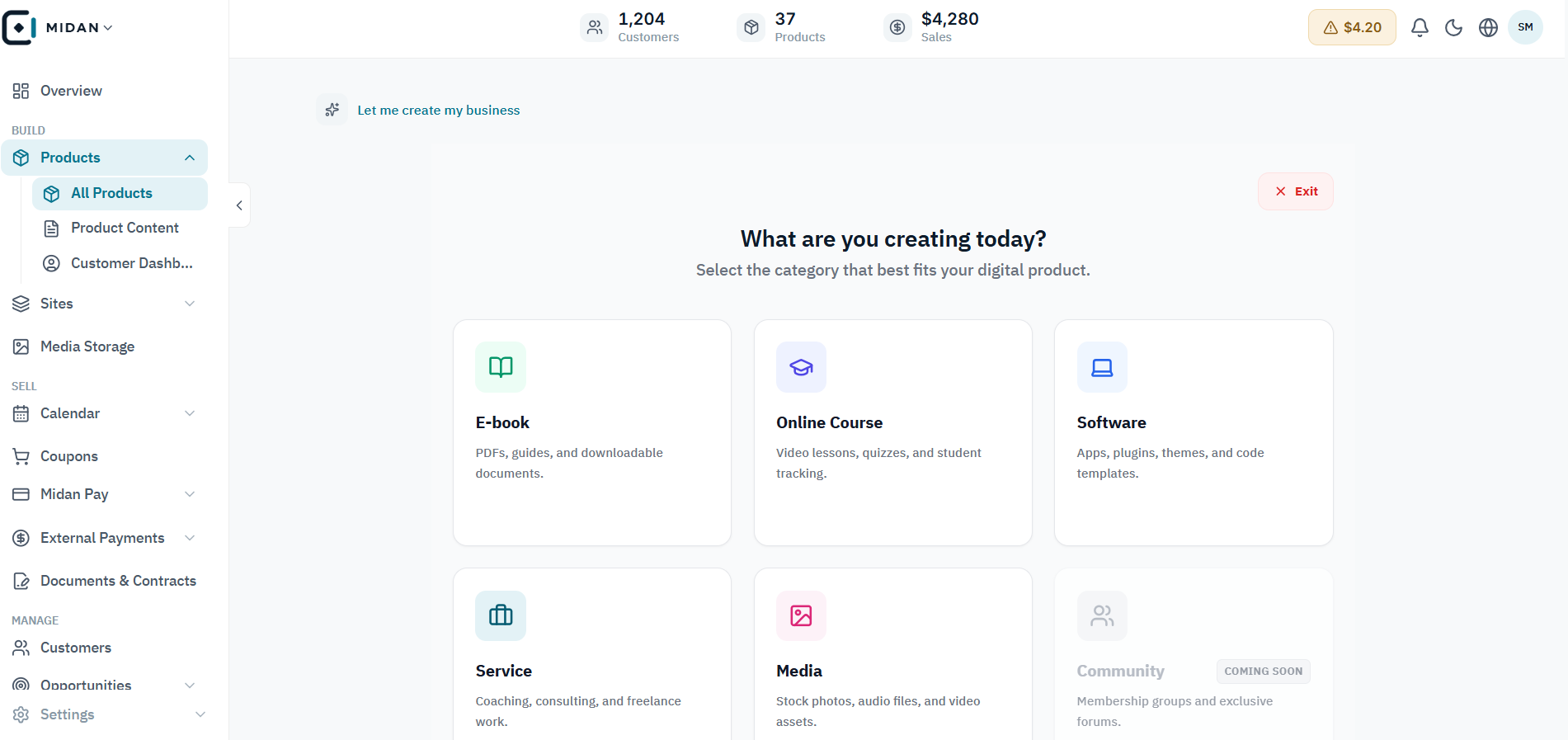
Choose a format for each product
Start with an online course, ebook, software, service, or media product. Community is marked as coming soon.
 YOUR BUSINESS ARENA
Create and manage digital products in many formats, including courses, ebooks, downloadable files, software, media, and templates. Midan also gives course creators a complete space to structure lessons, publish content, and deliver the learning experience.
Try Midan free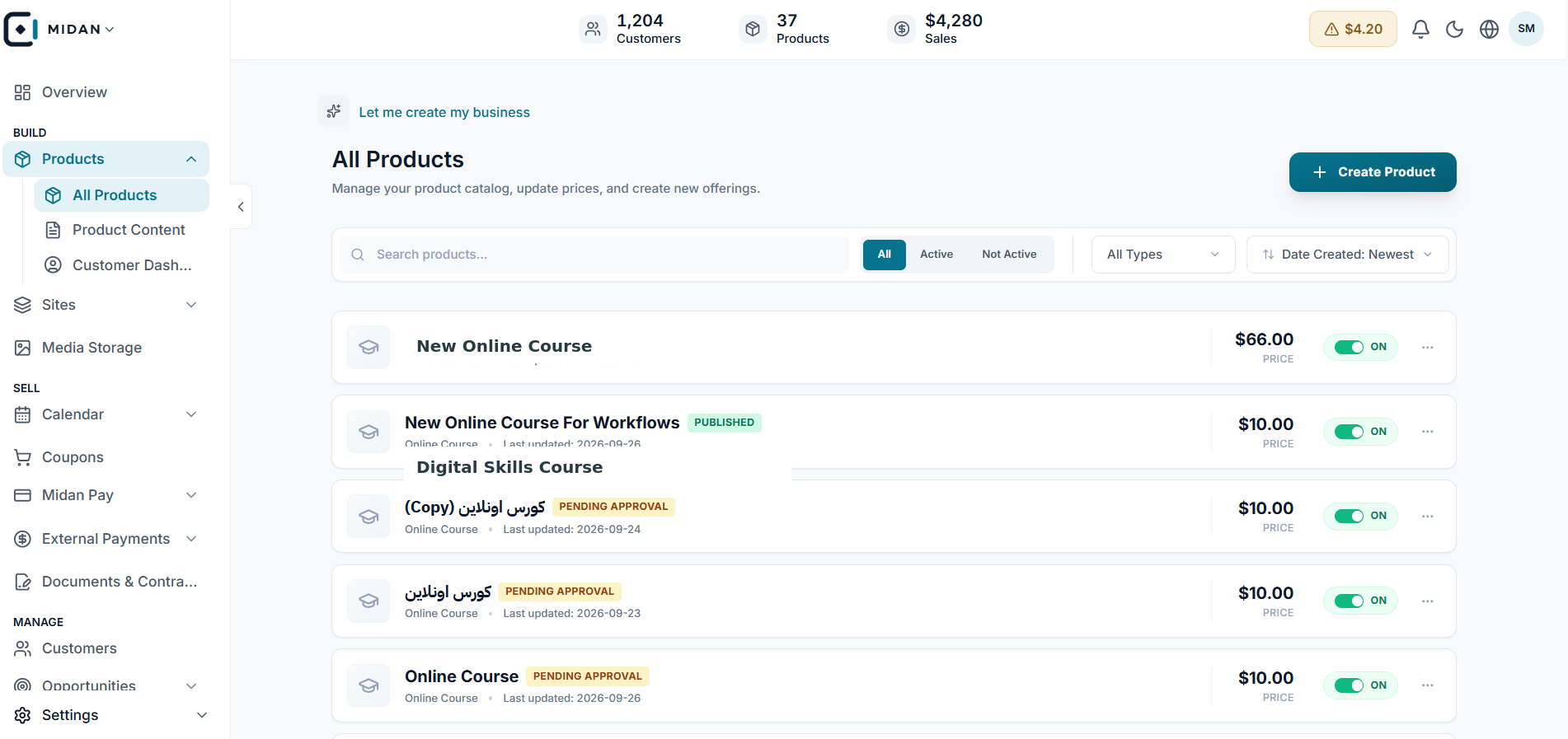
Sell digital products such as ebooks, downloadable files, software, media, templates, and other digital content.
Manage physical products alongside pricing, availability, customer access, and the content needed for delivery.
Build complete online courses with sections and lessons, then add video, text, files, audio, assignments, and quizzes.
Keep the product catalog, course content, media library, and customer dashboards connected in one workspace.
Explore the product catalog, content library, course setup, and customer dashboards in one connected workspace.
Start with an online course, ebook, software, service, or media product. Community is marked as coming soon.
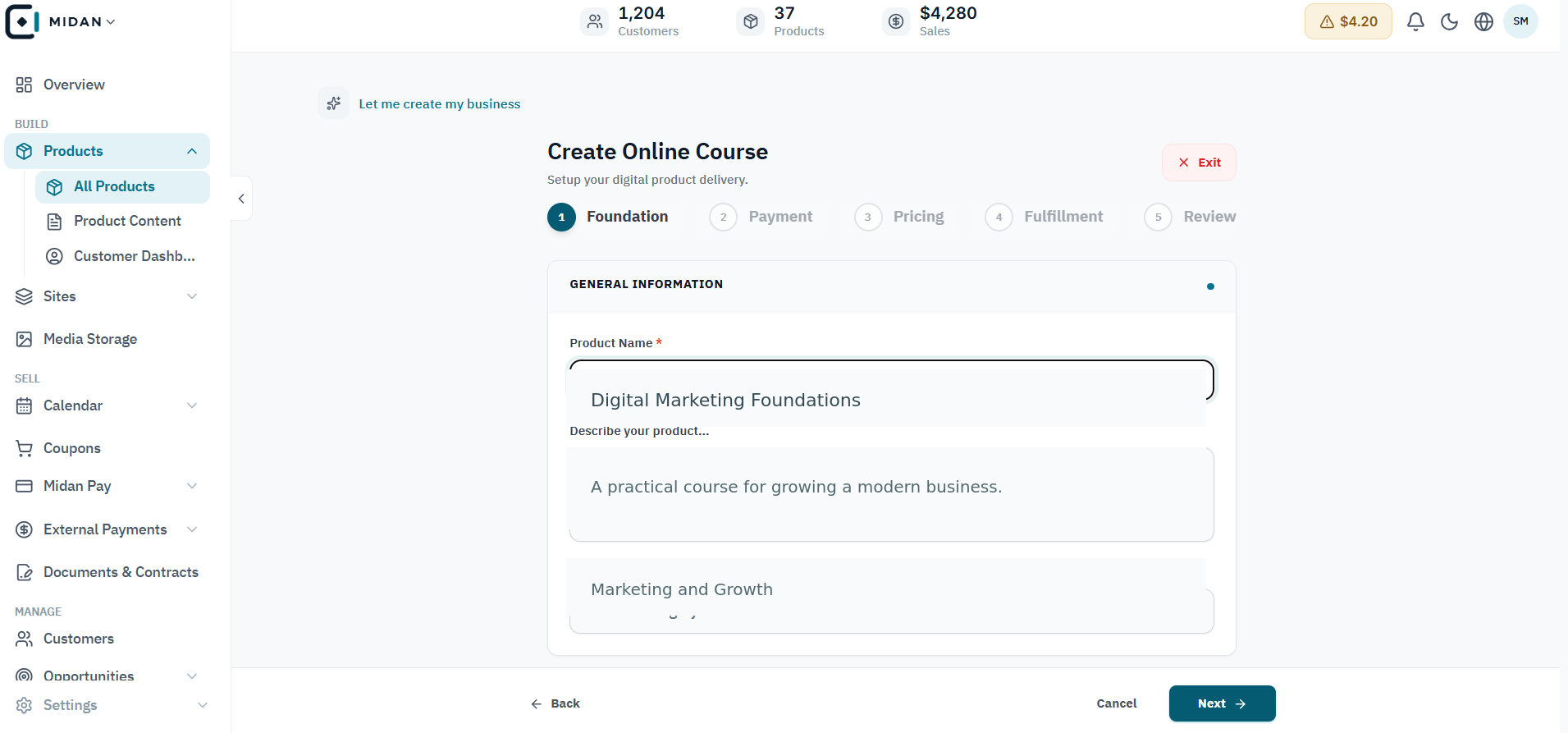
Enter the course name, description, and category, then continue through payment, pricing, fulfillment, and review.
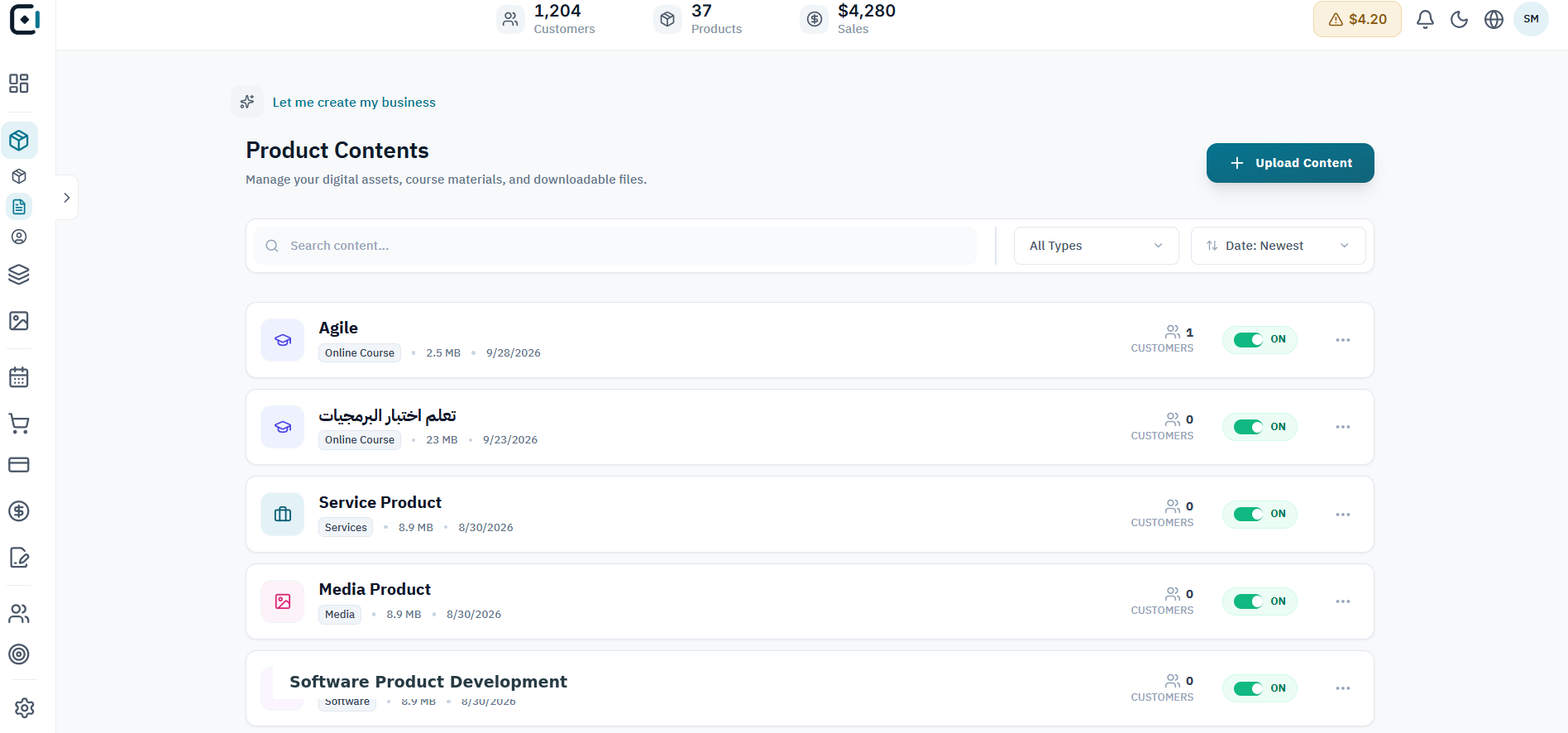
Search course content and downloadable materials, filter by type or date, and review customer access status.
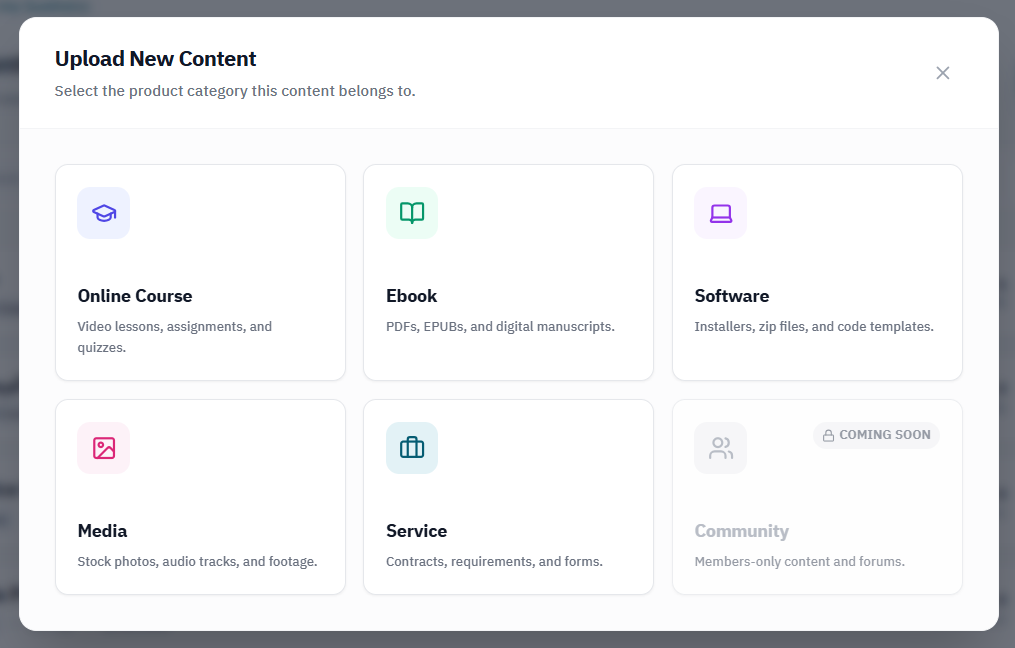
Select a course, ebook, software, media, or service before adding its content. Community is marked as coming soon.
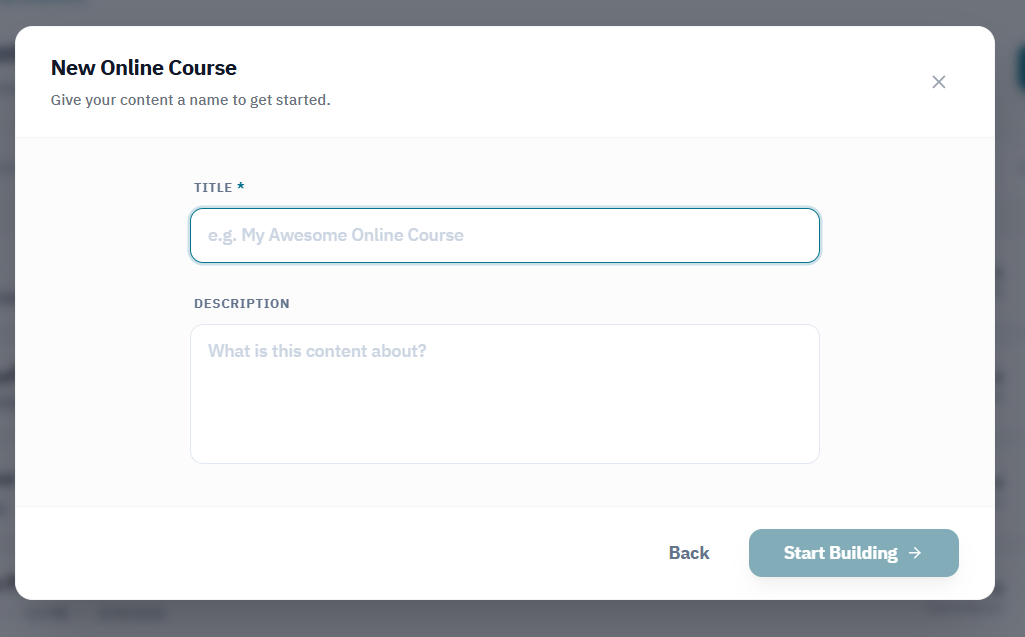
Name and describe a course before moving into its content-building workflow.
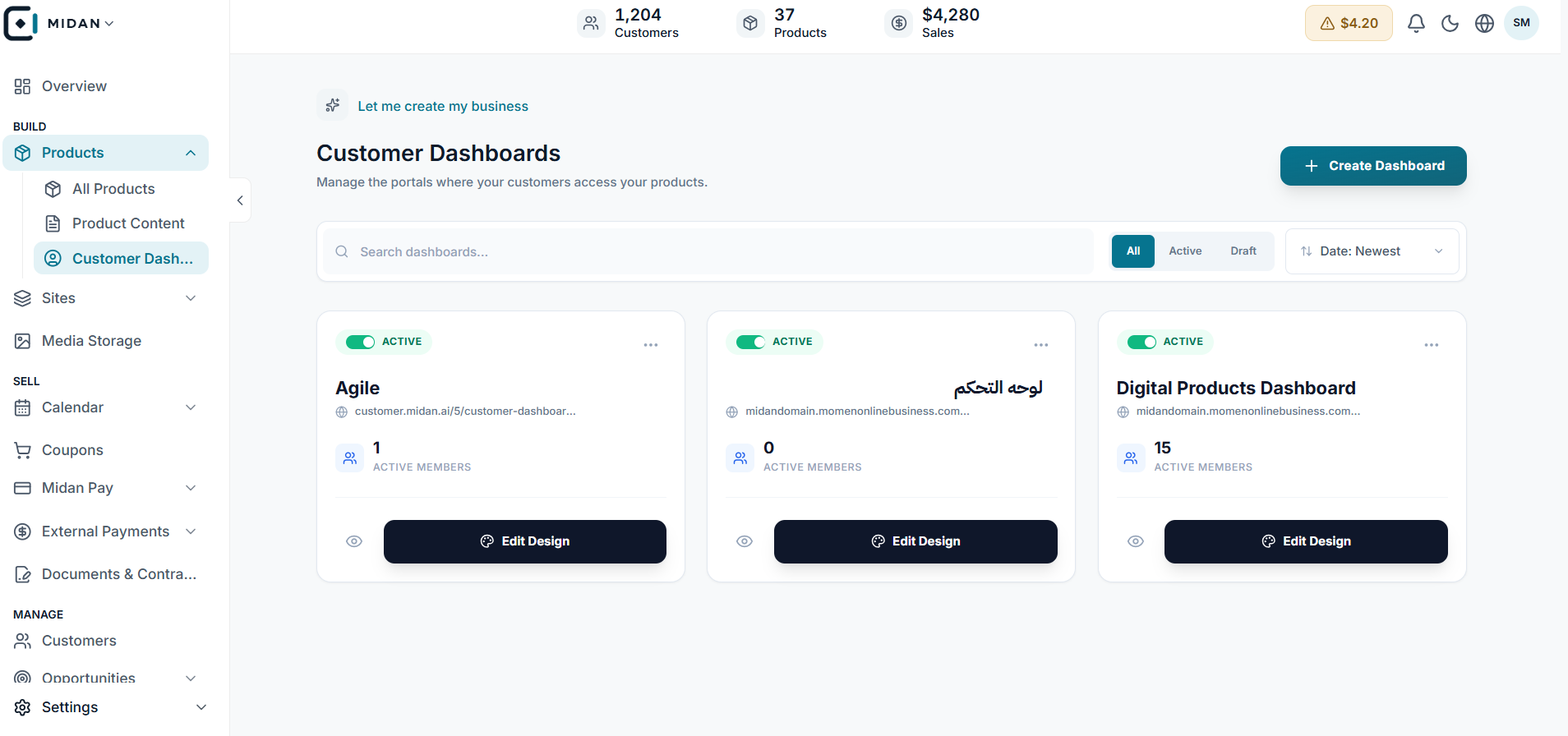
Search customer portals, review member counts, and open a dashboard's design workspace.
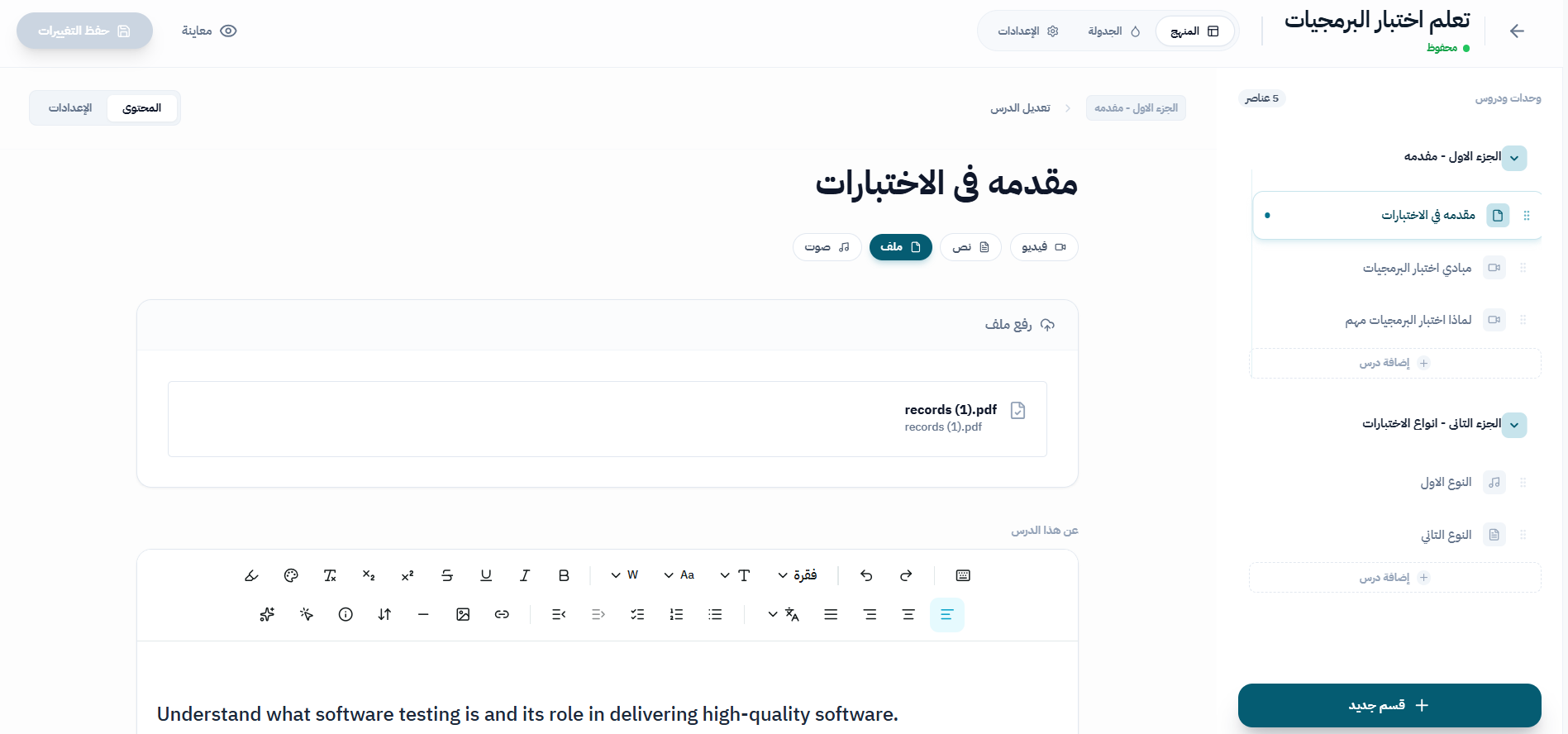
Attach resources such as PDFs and add formatted text within the course lesson editor.
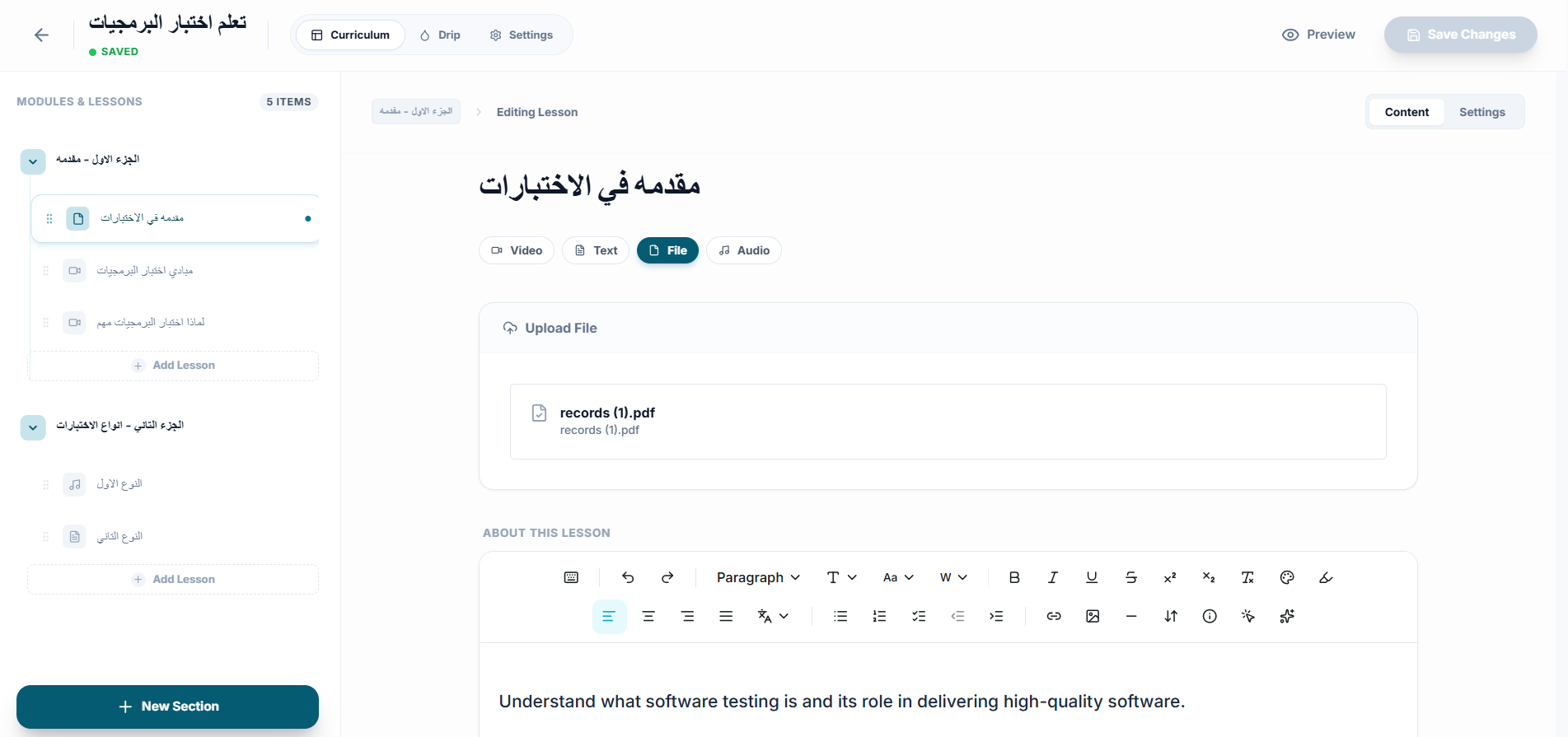
Review the course structure and arrange lesson content from the curriculum workspace.
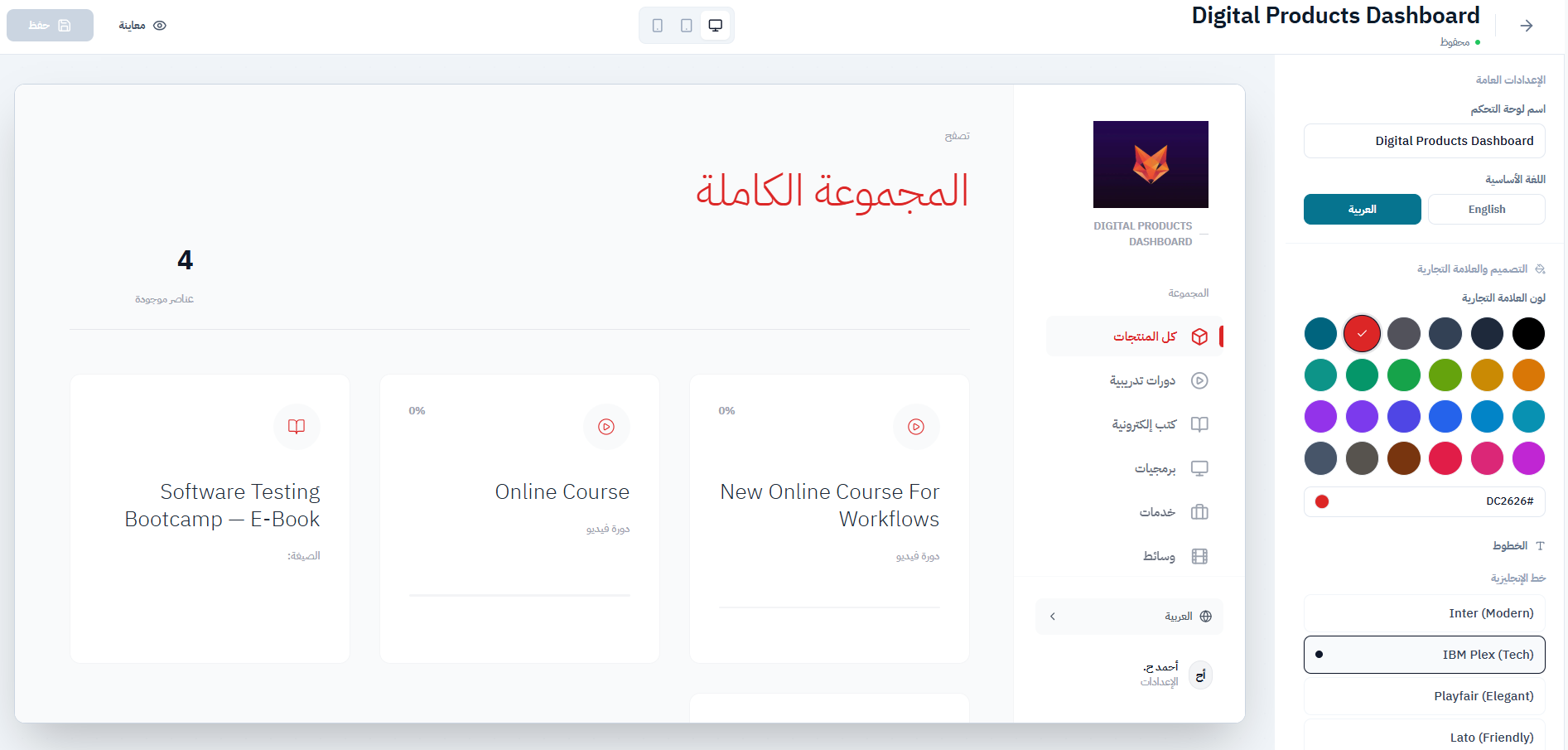
Preview the customer portal and adjust the available branding settings.
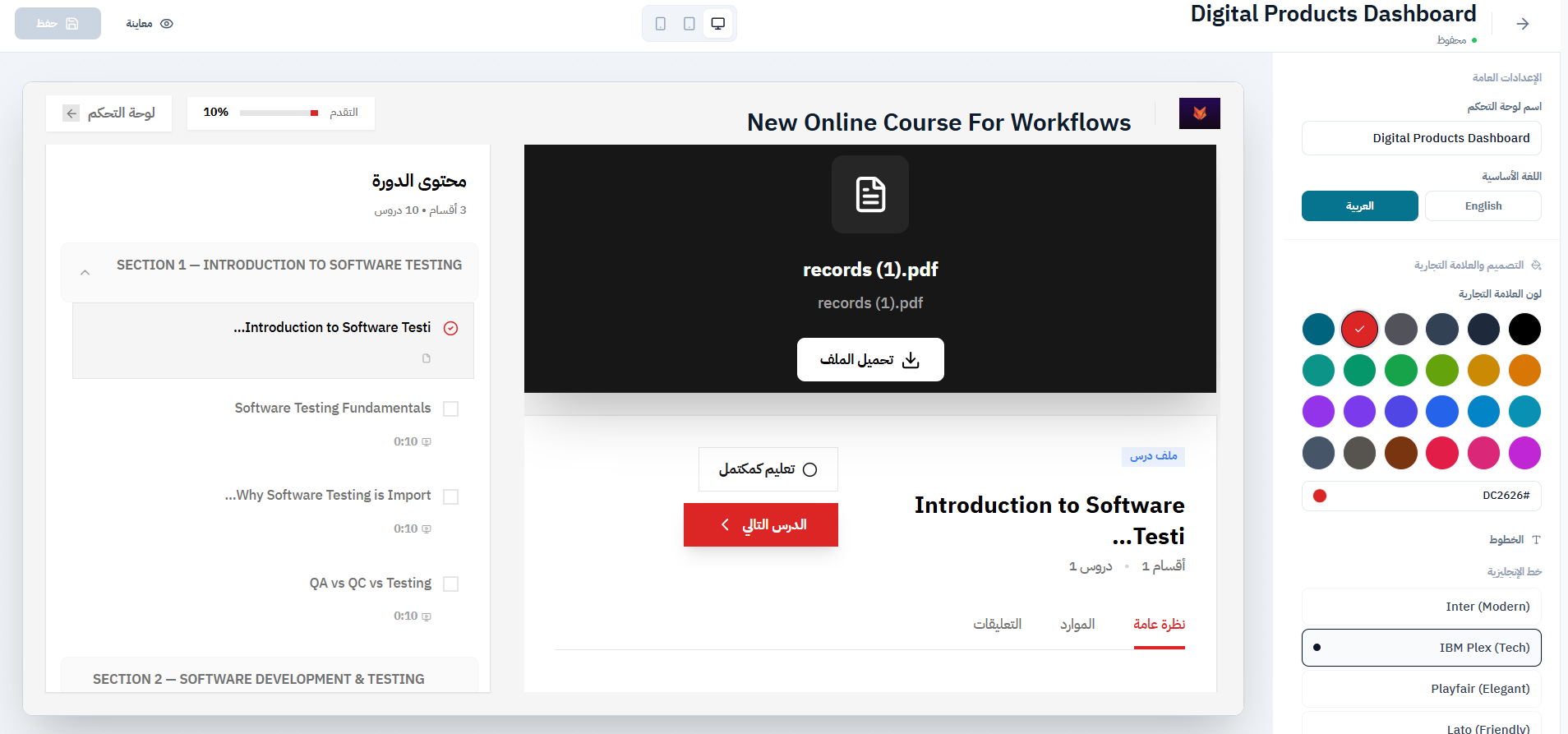
See course progress, sections, the current lesson, and lesson materials in the customer dashboard.
Tell us how your business works today. We’ll show you where Midan fits.