01
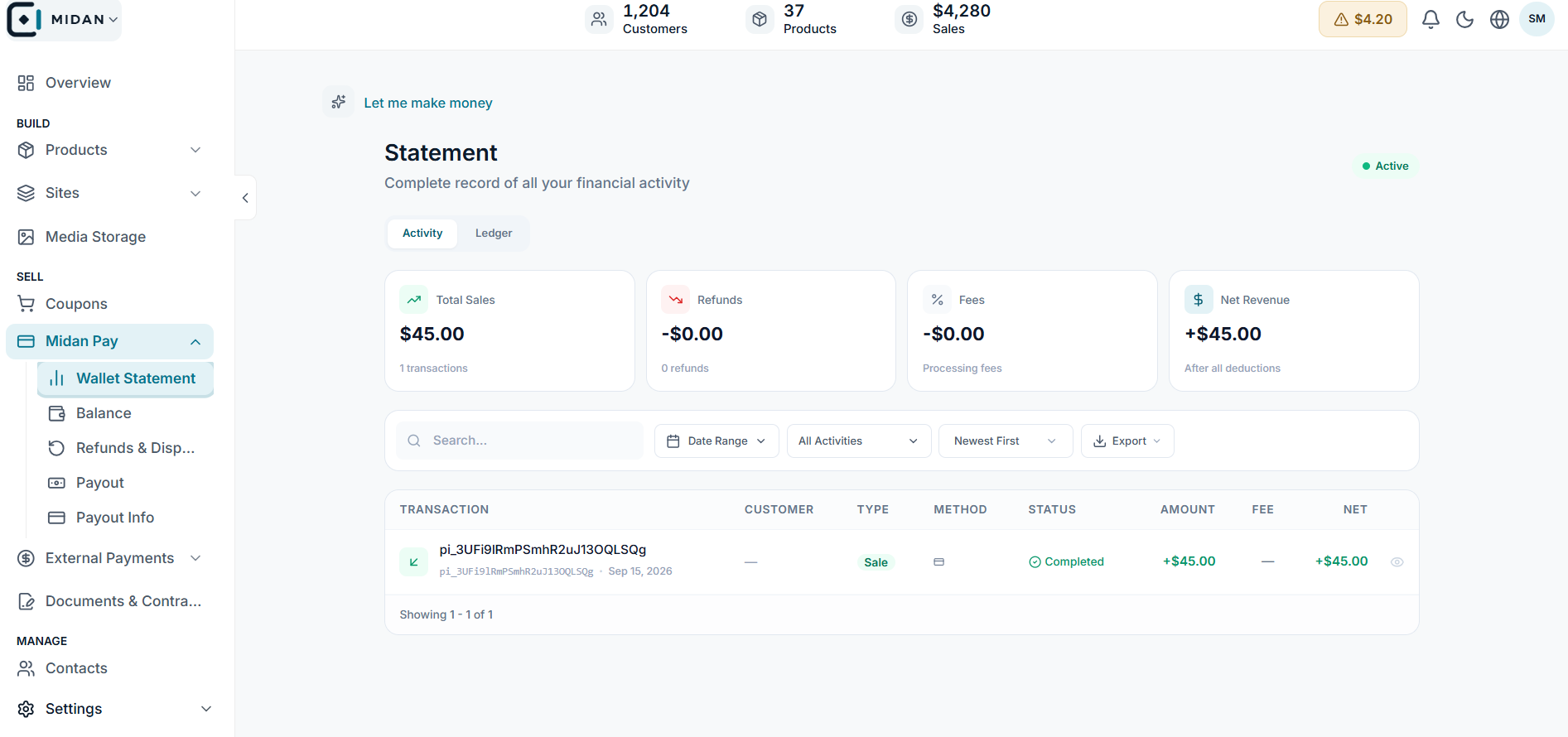
Review the wallet statement
See sales, refunds, fees, net revenue, and the activity behind each payment.
 YOUR BUSINESS ARENA
Follow each payment from collection to available balance, then request a withdrawal.
Try Midan freeFollow a payment from collection to available balance, then request a withdrawal.
Each sale stays in settlement for 30 days. When the period ends, the listed plan commission is deducted and the net balance becomes available to withdraw.
Midan Pay is a payment intermediary, not the seller or owner of your product. You remain responsible for your offer, delivery, taxes, and customer relationship.
Activation requires identity, business, payout, and product details. Each product is reviewed for legal, compliance, and platform requirements before publication.
Review payout status, refunds, and disputes in the payment workspace; a collected payment is not immediately available cash.
Review statements and balances, manage refunds and disputes, request payouts, and keep payout and activation details ready in one workspace.
See sales, refunds, fees, net revenue, and the activity behind each payment.
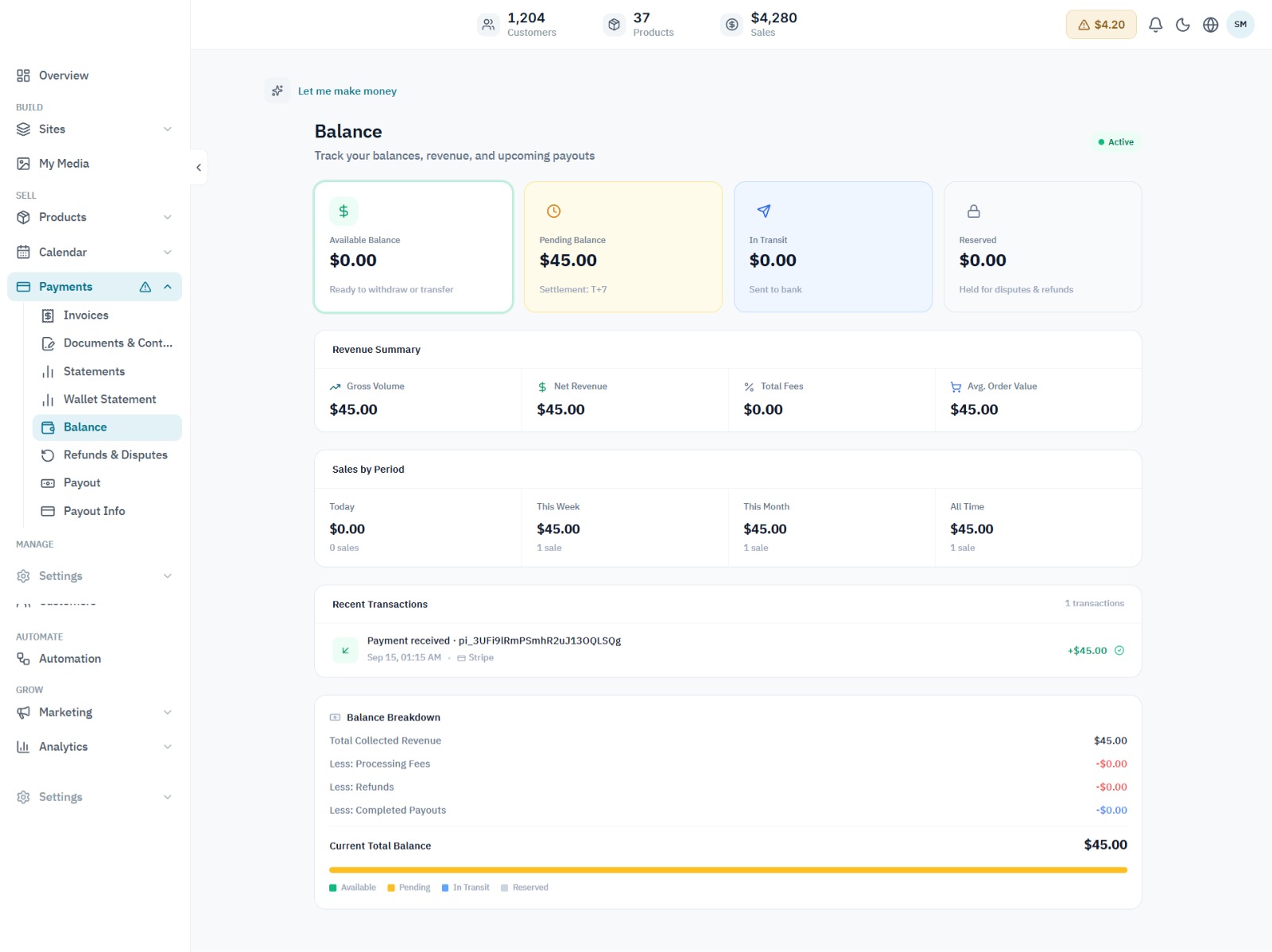
Review available, pending, and paid amounts alongside recent transactions and the balance breakdown.
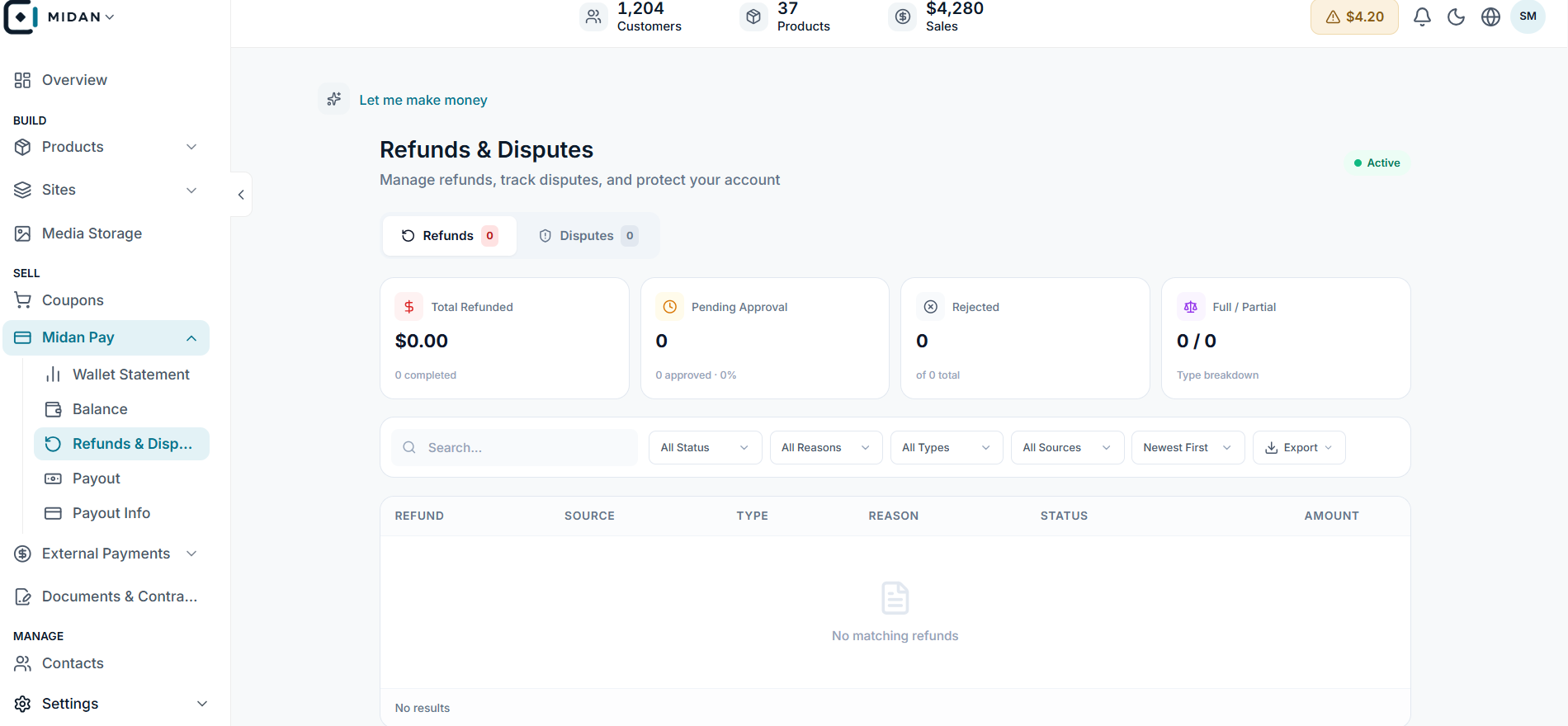
Review refund totals, approval status, and dispute activity in the payment workspace.
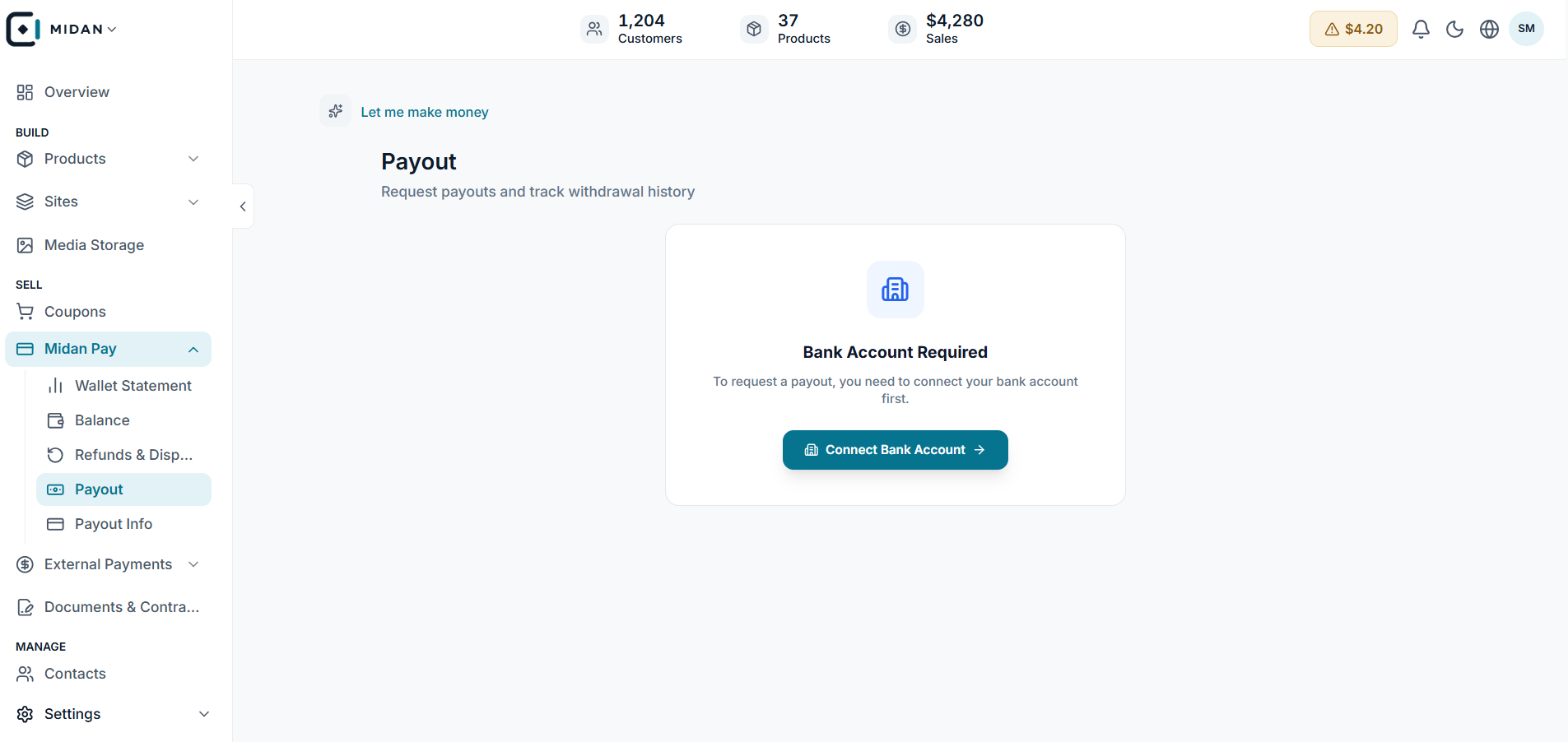
Connect a bank account before requesting a withdrawal, then follow the payout from your payment workspace.
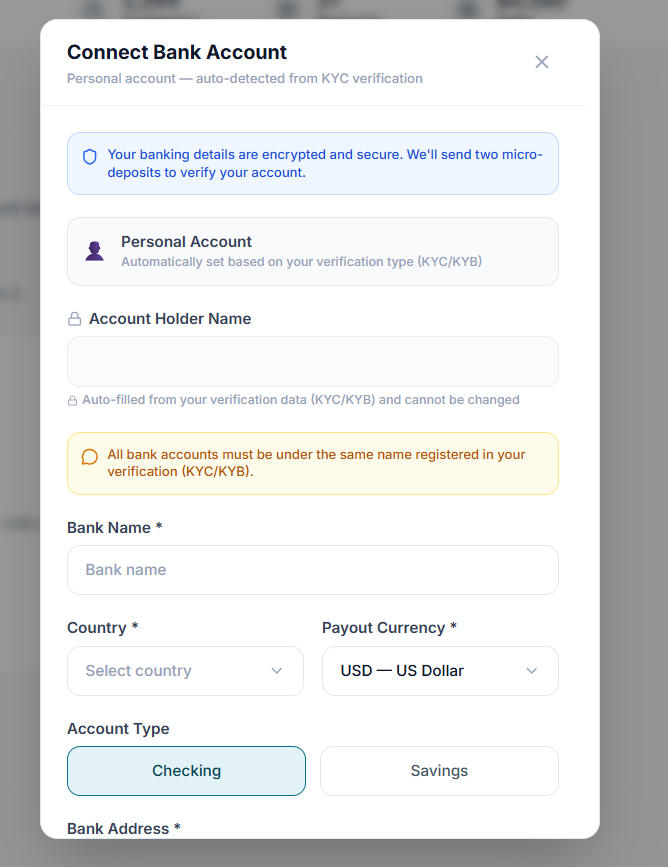
Enter the account holder and bank details, then choose the country, payout currency, and account type.
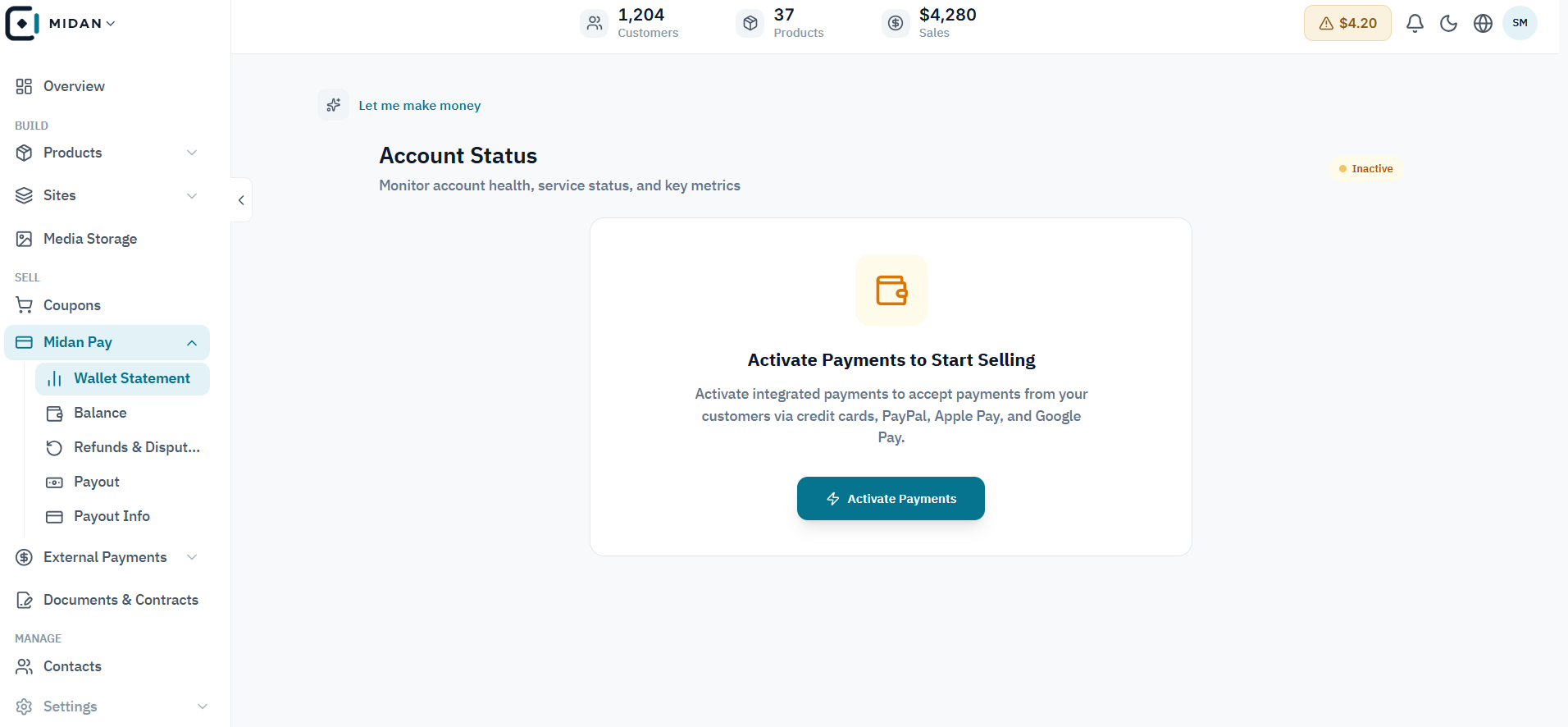
See whether payment setup is ready and what needs to be completed before you start selling.
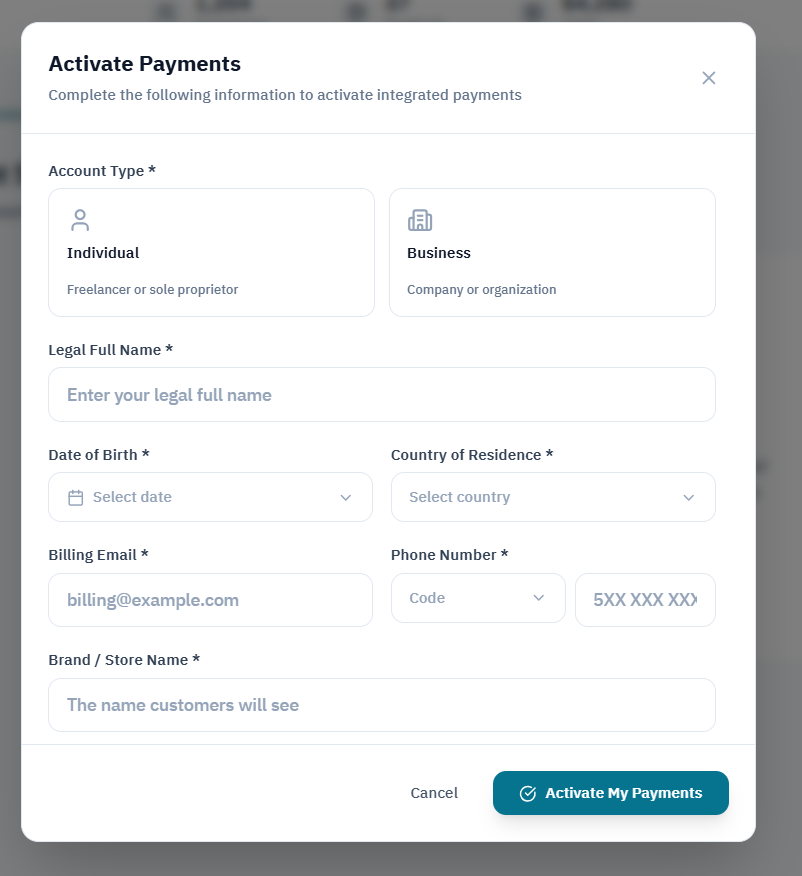
Submit account type, legal identity, contact, and store details to activate integrated payments.
Tell us how your business works today. We’ll show you where Midan fits.