01
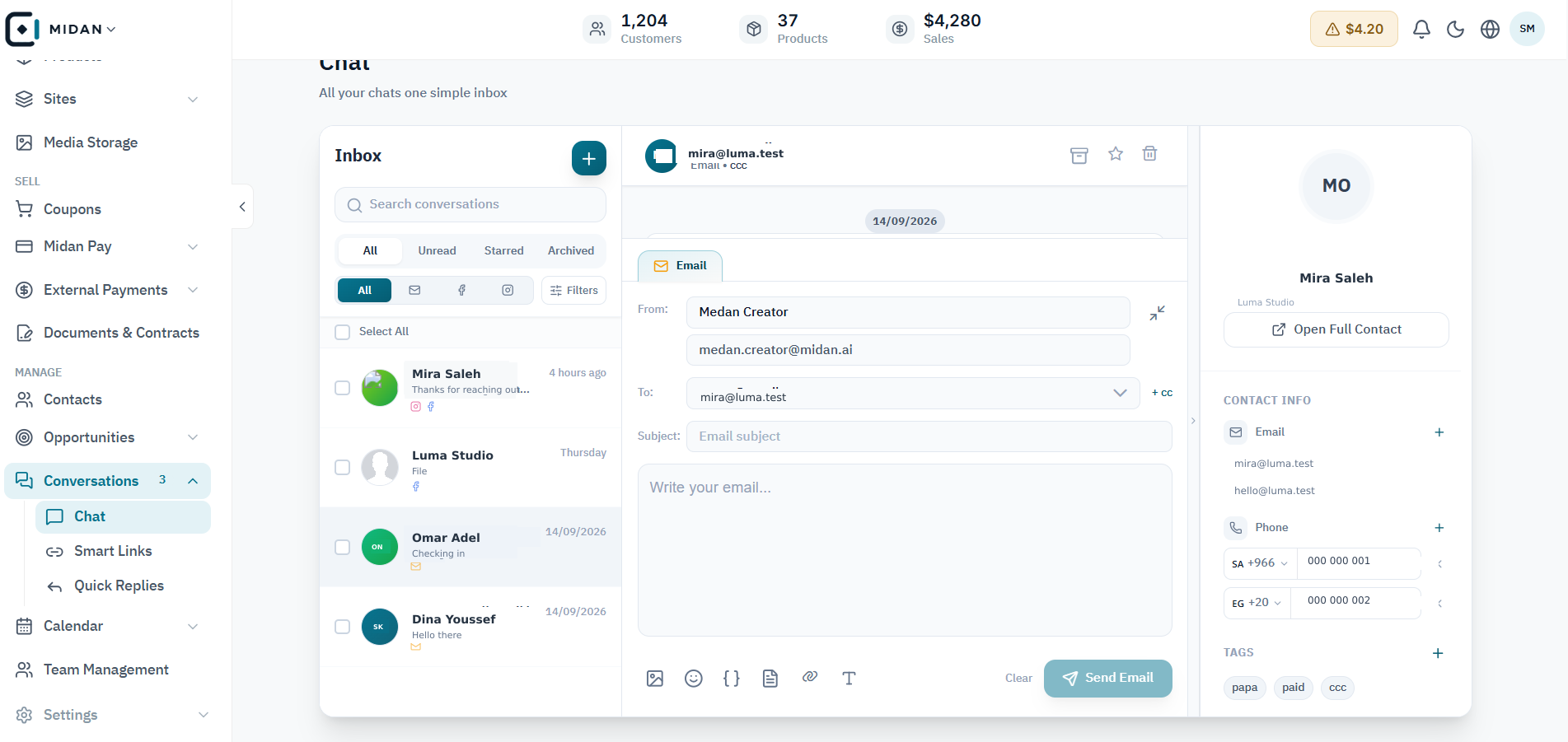
Start from the shared inbox
Review incoming conversations, open the right thread, and keep customer details close while replying.
 YOUR BUSINESS ARENA
Bring email, WhatsApp, Facebook Messenger, and Instagram DMs into a rich, searchable thread your team can act on.
Try Midan freeReceive and reply to WhatsApp messages beside the customer profile, previous conversations, and assigned owner.
Reply with rich messages, voice notes, quick replies, and trackable links.
Keep email and social messages searchable in the same shared team inbox.
Explore the shared inbox, social messaging, Smart Links, and saved replies. Each screen shows a practical step your team can handle in the same workspace.
Review incoming conversations, open the right thread, and keep customer details close while replying.
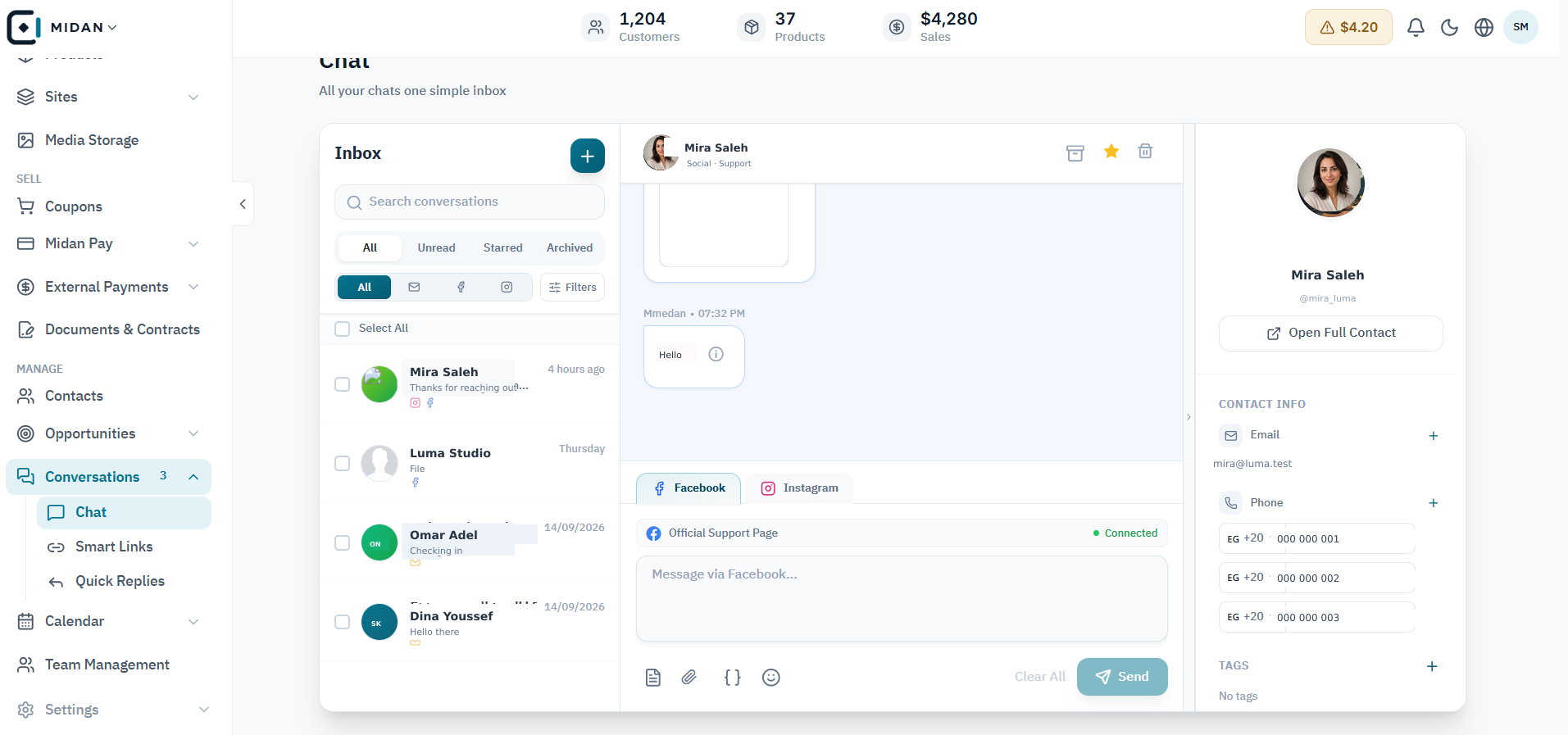
Switch between connected social channels, read the conversation, and reply beside the customer profile.
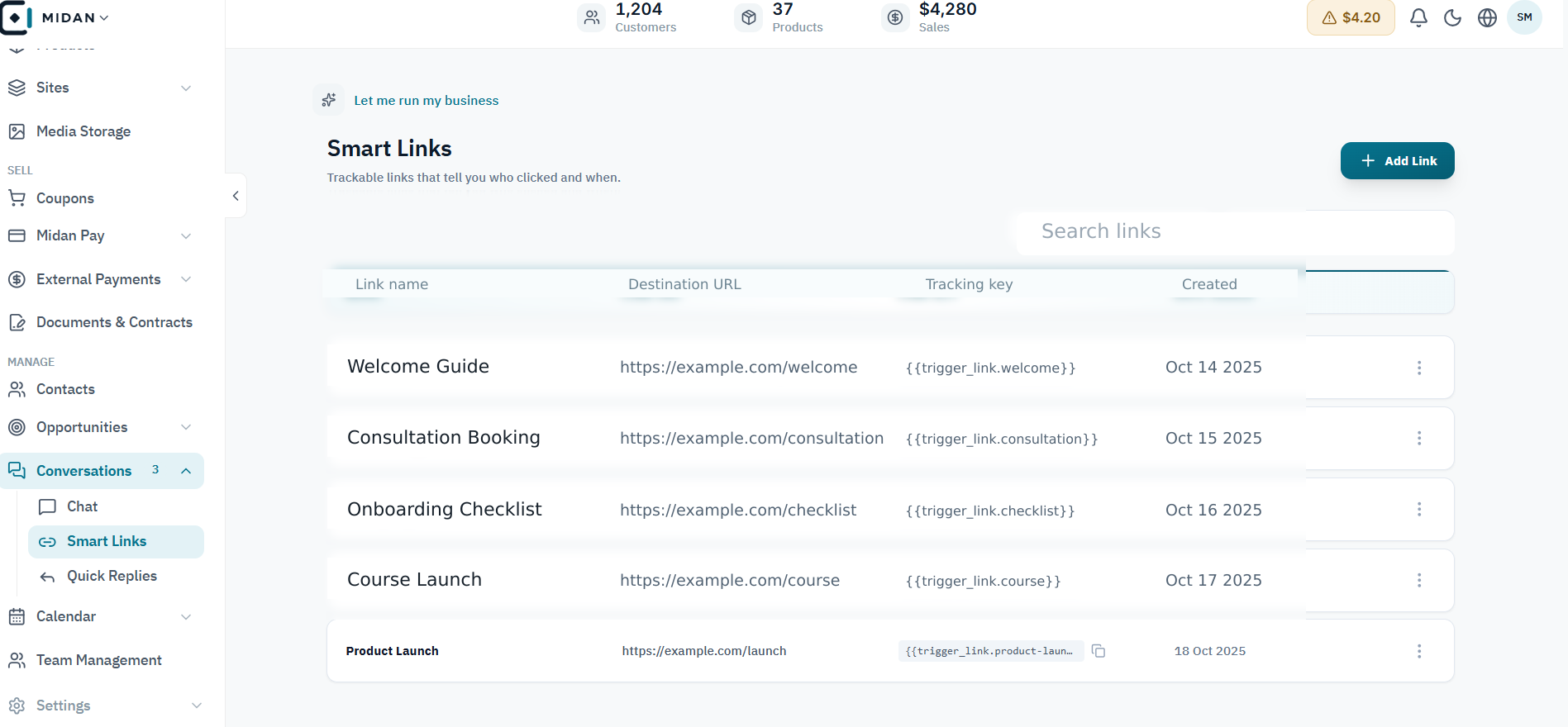
Keep each named Smart Link, destination, and tracking key easy to find and reuse.
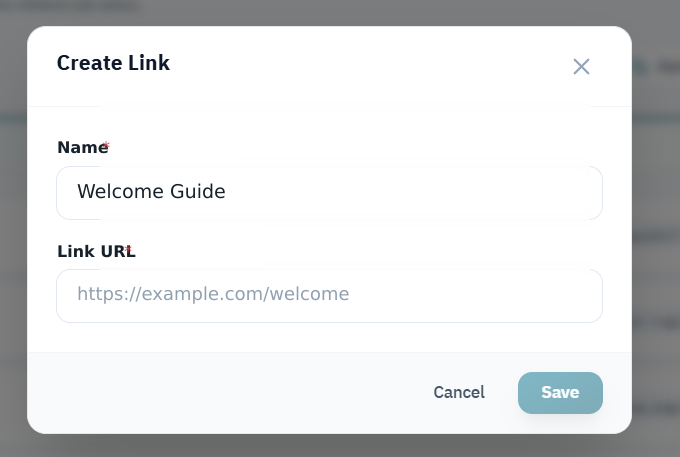
Name the link and enter its destination URL before saving it to the Smart Links library.
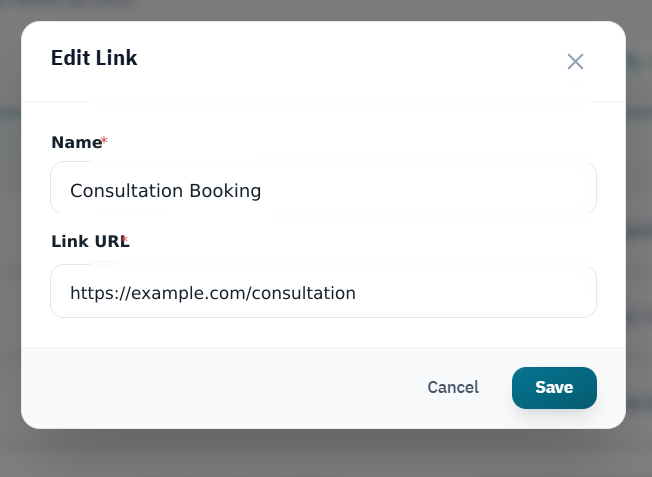
Edit the saved link name or destination without rebuilding the link from scratch.
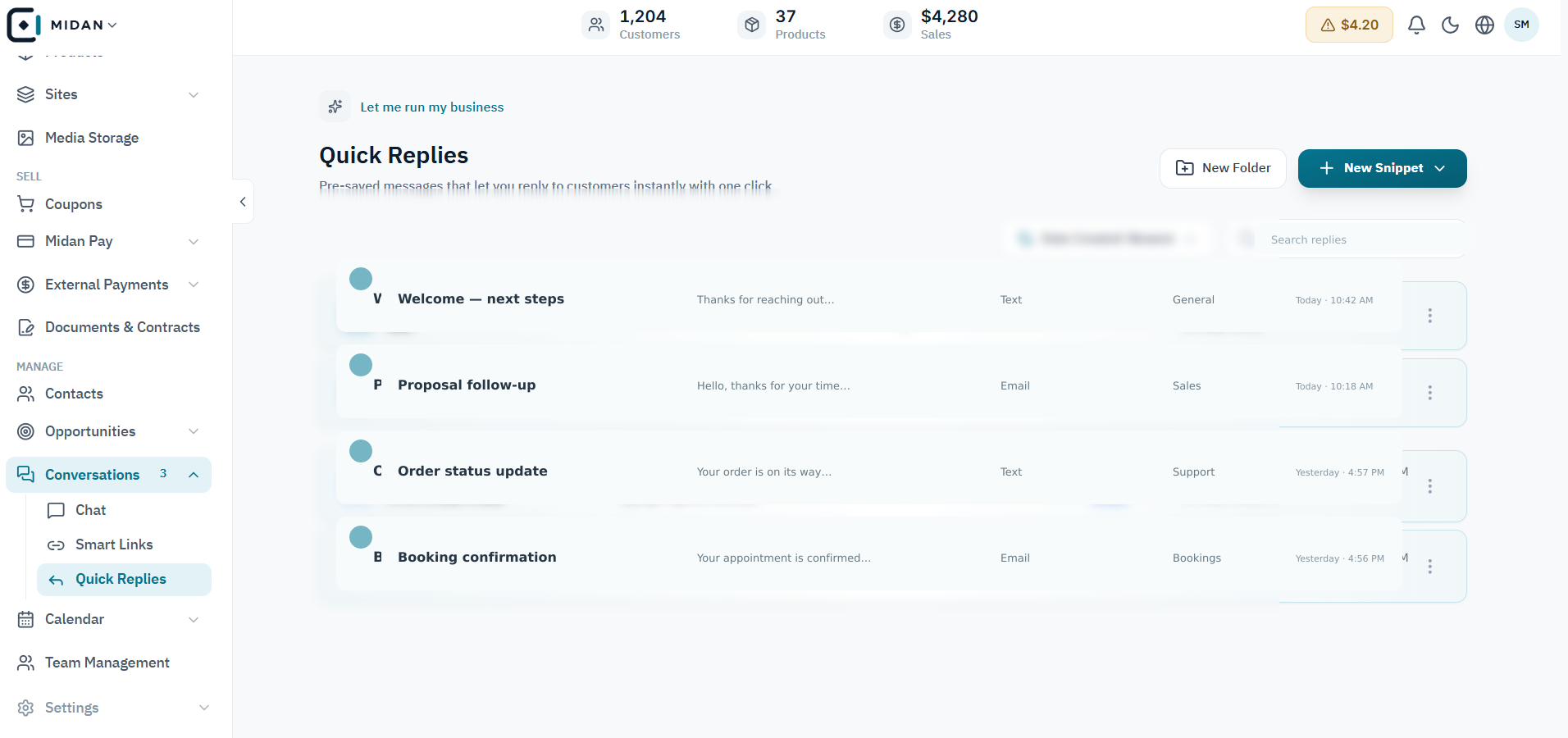
Review saved text and email replies, then choose a template to reuse in a customer conversation.
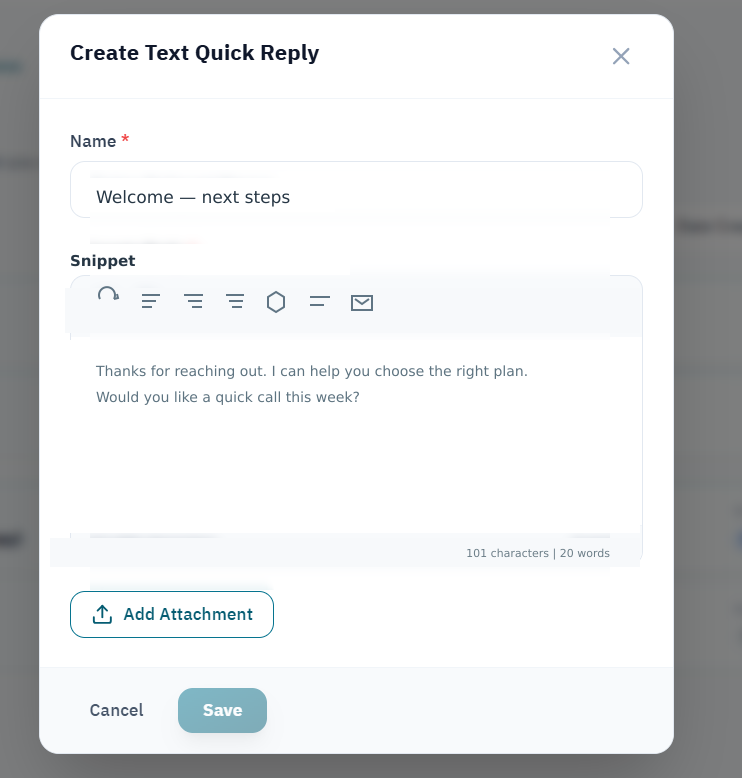
Save a short text response under a clear name so the team can reuse it consistently.
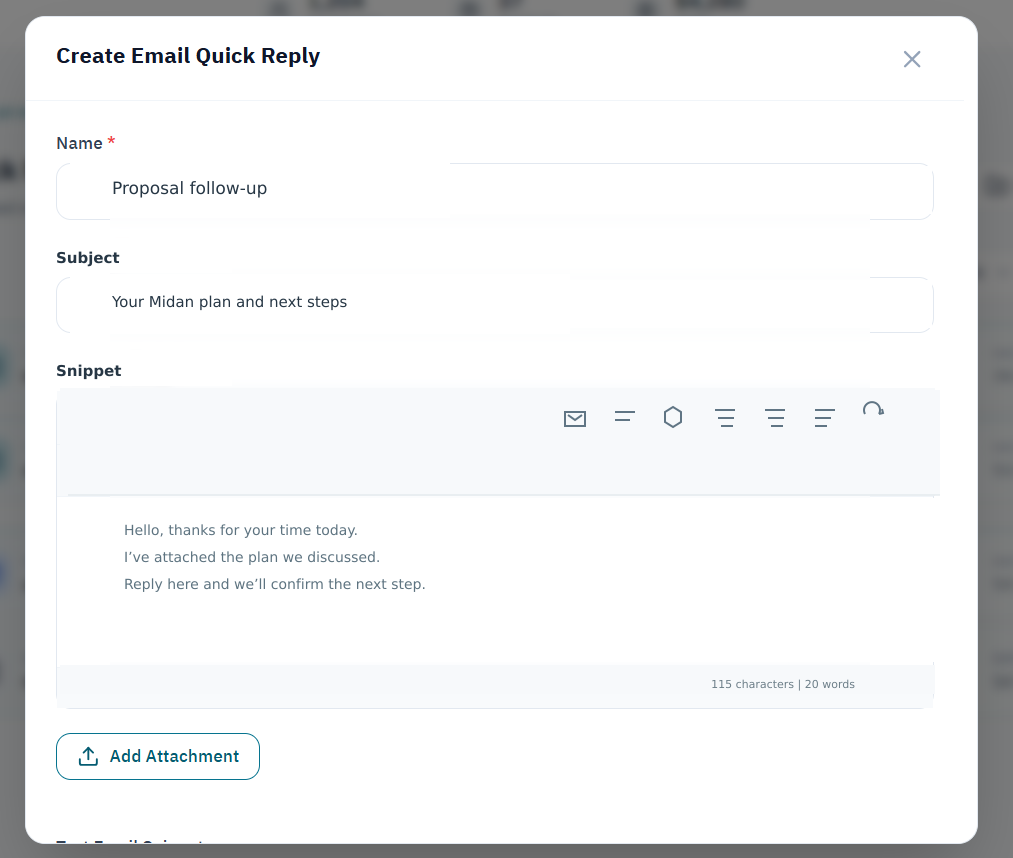
Save an email subject and message body as a template for future conversations.
Tell us how your business works today. We’ll show you where Midan fits.